TWO TIME
MOODBOARDS & IDEAS
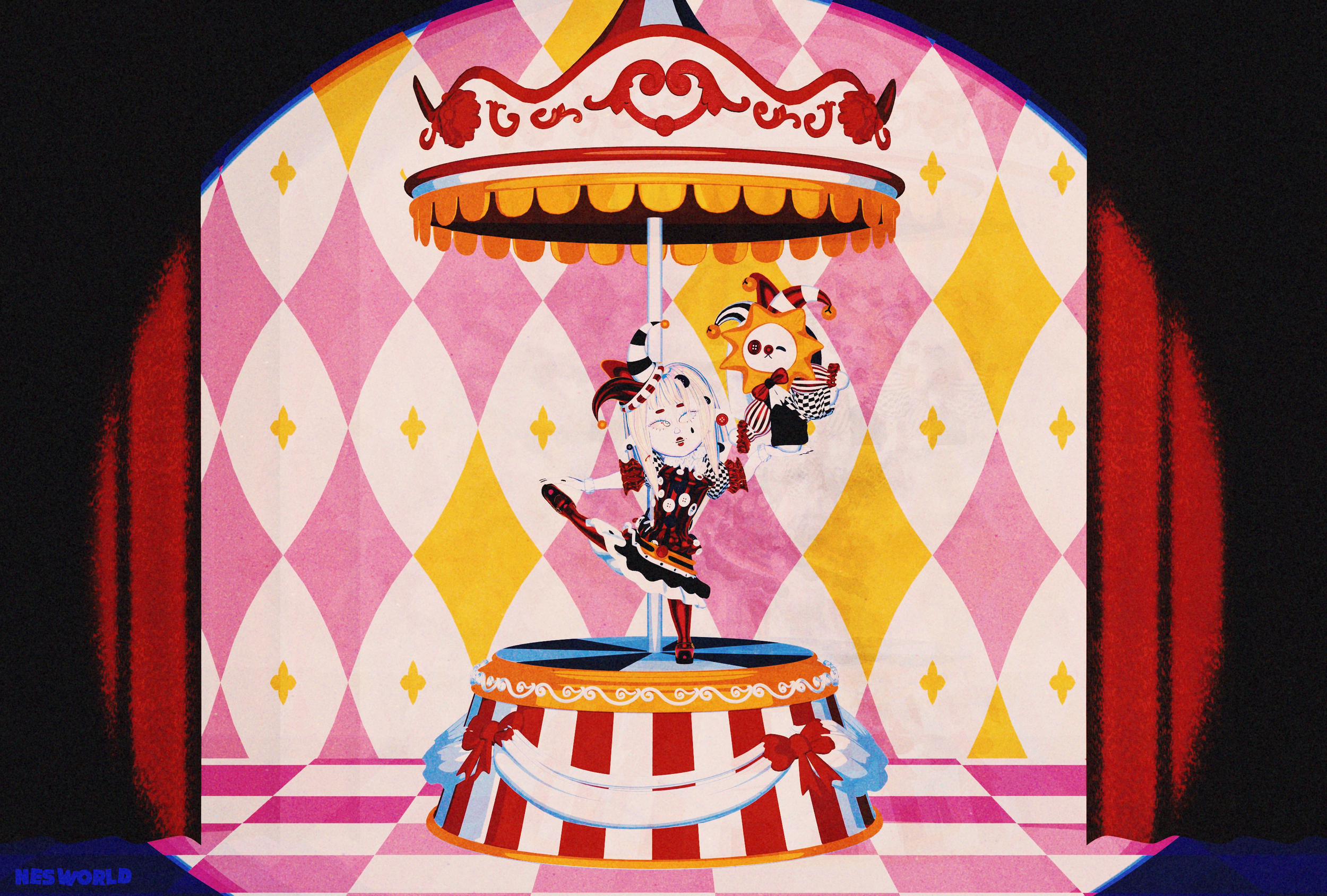
The making of Video Two Time came to me during a particularly chaotic period of my life. I felt the need to create freely, without boundaries, without the pressure for things to make sense. This is why I chose the circus as a central theme: a space that naturally embraces the absurd, the fragmented, and the unexpected.
The video is intentionally quite dynamic, moving between random objects, spaces, and situations. Yet these fragments come together to enhance and emphasize the complete absence of meaning, logic, or coherence. Rather than trying to construct a clear narrative, I wanted to simply exist within the chaos: to move, to experiment, to be, and to create without needing to explain.
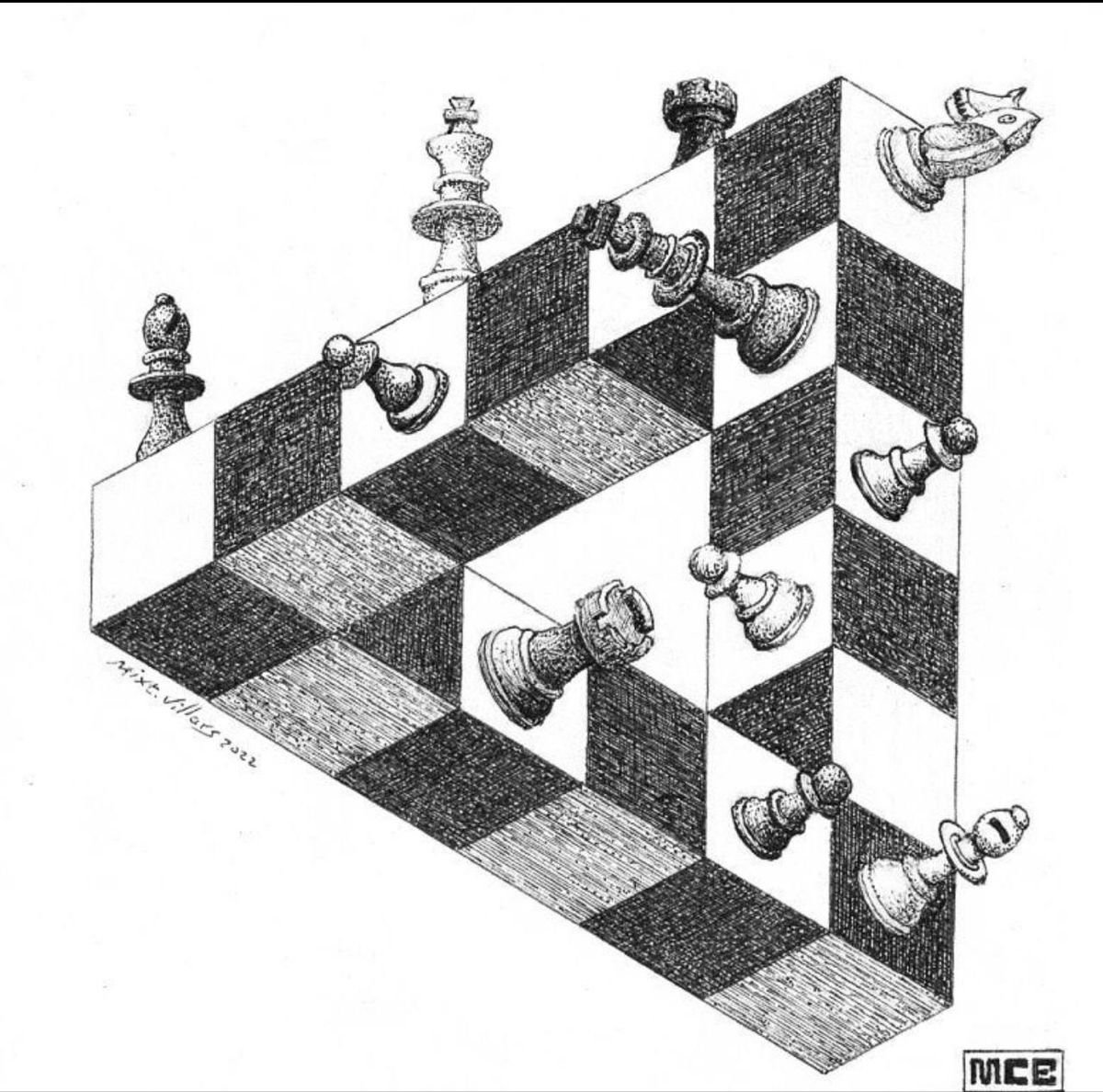
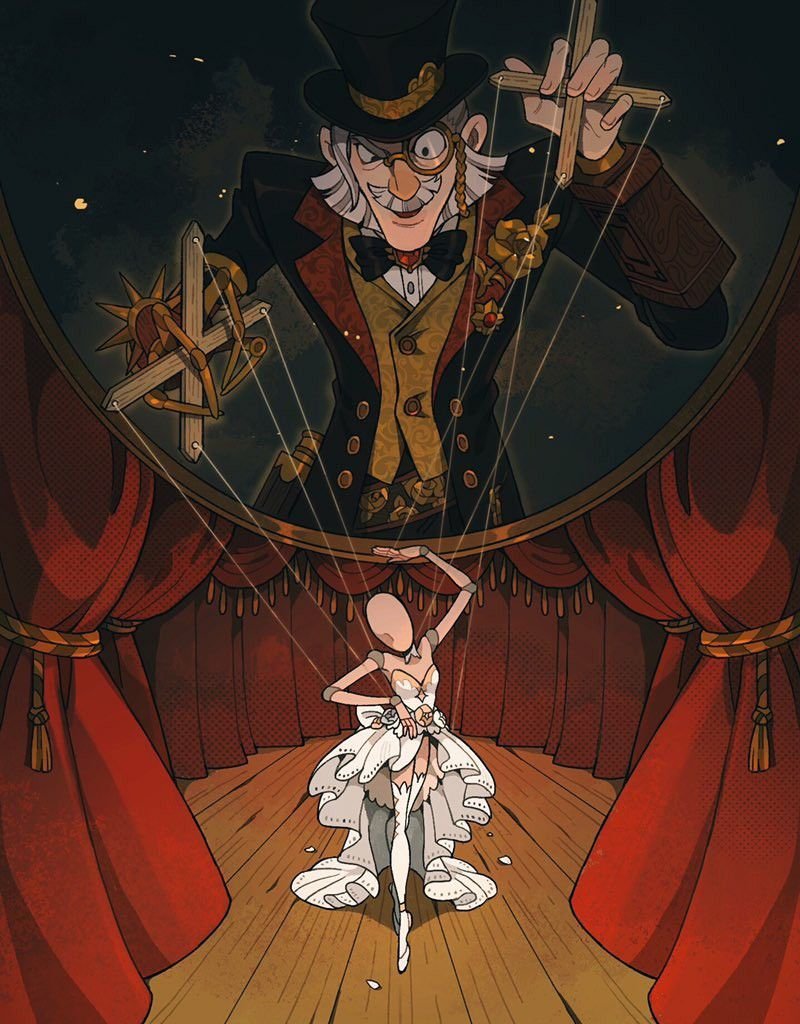
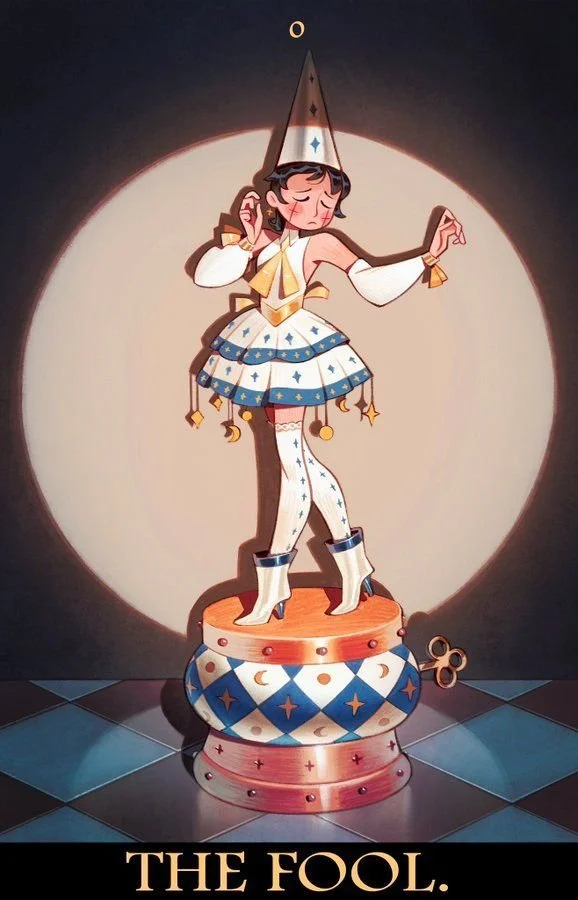
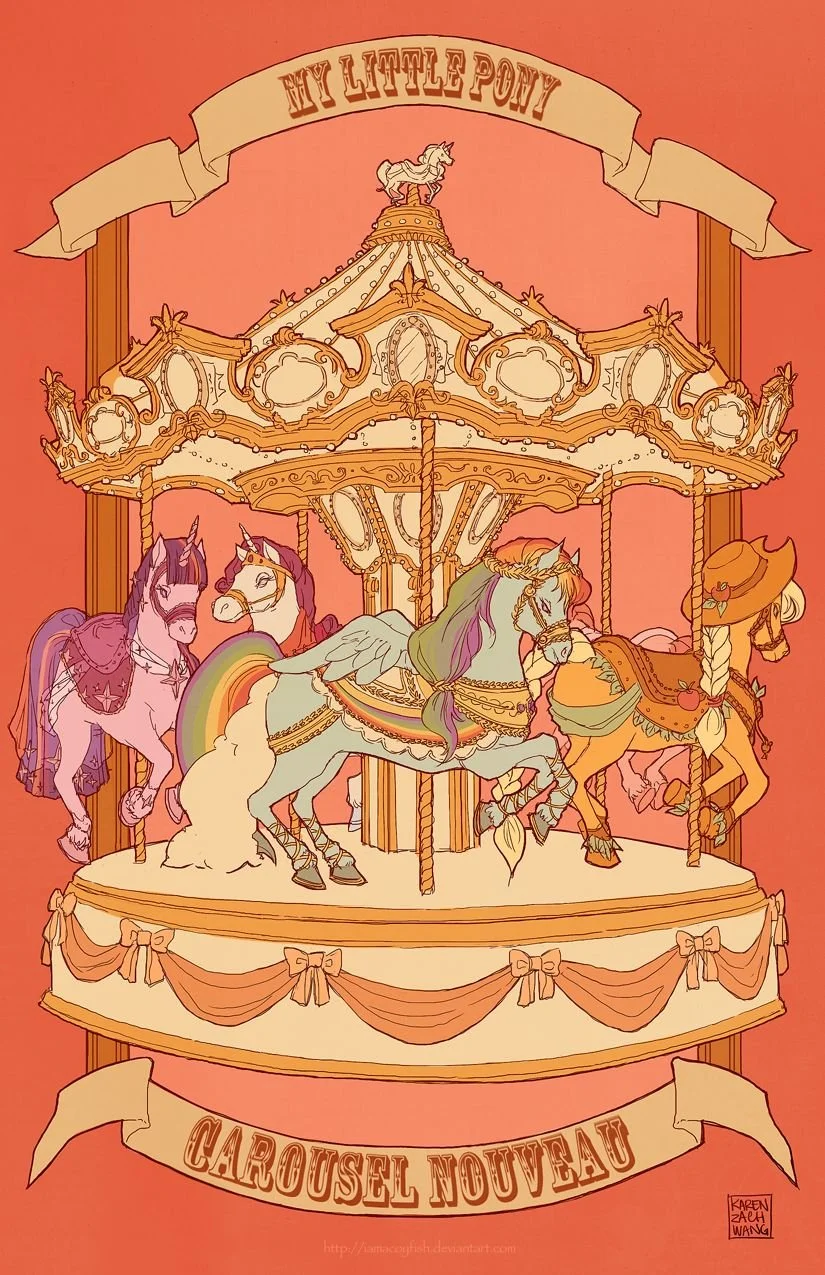
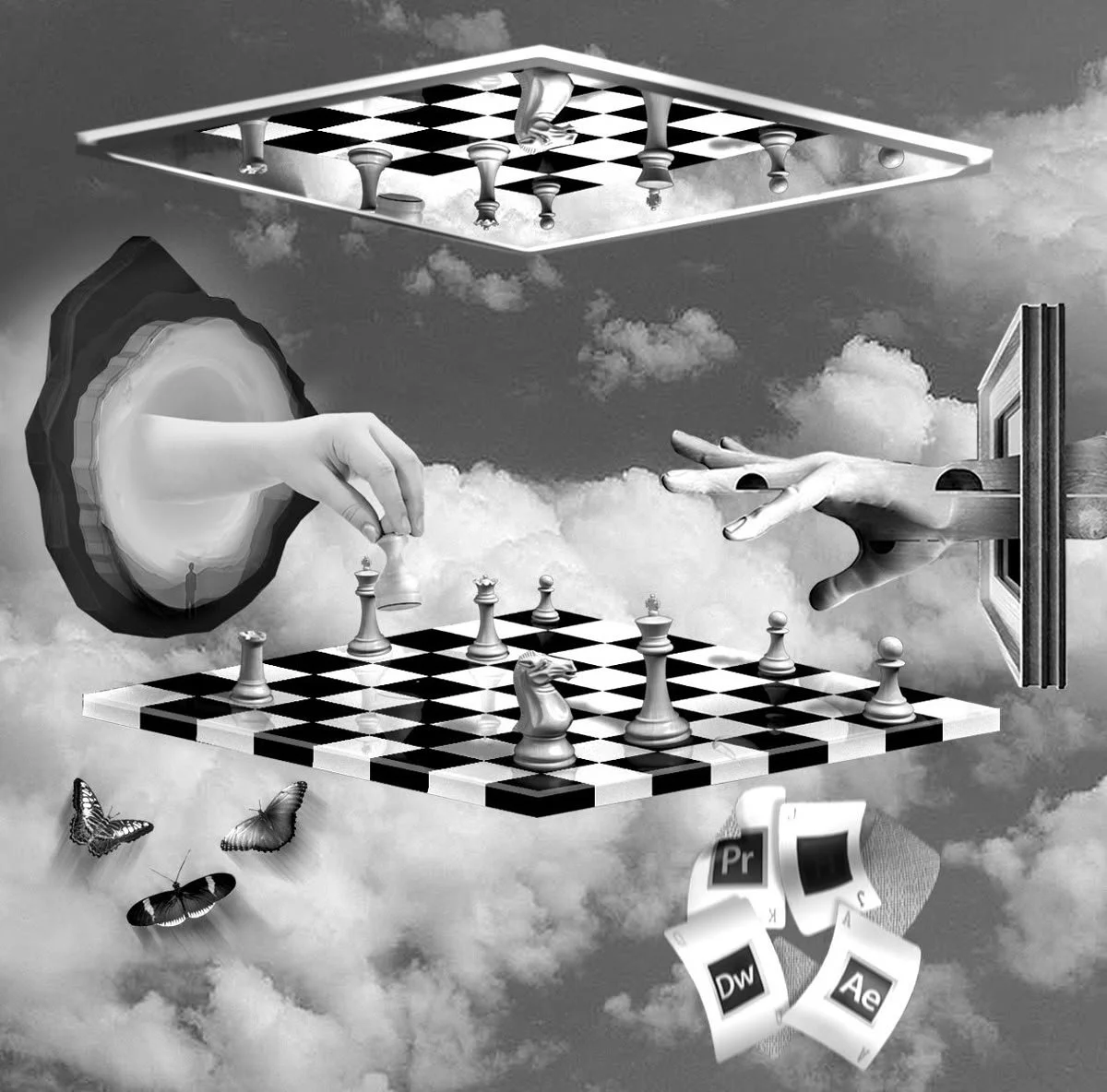
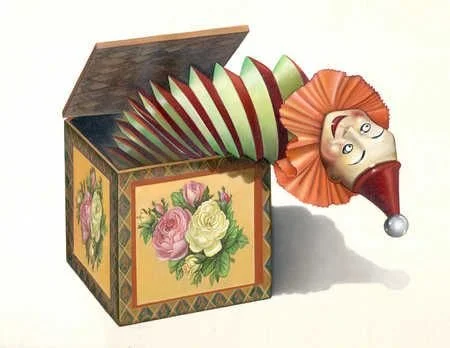
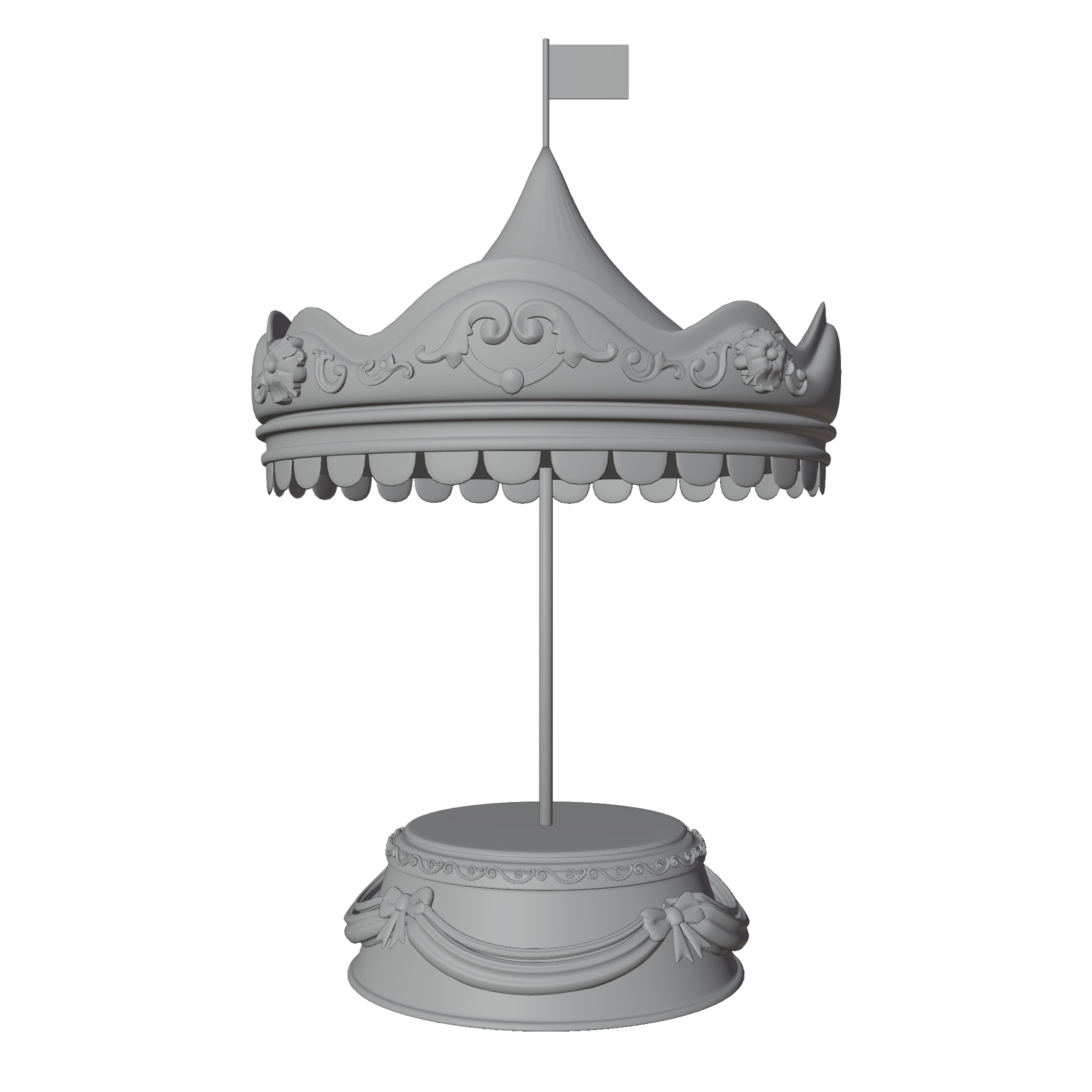
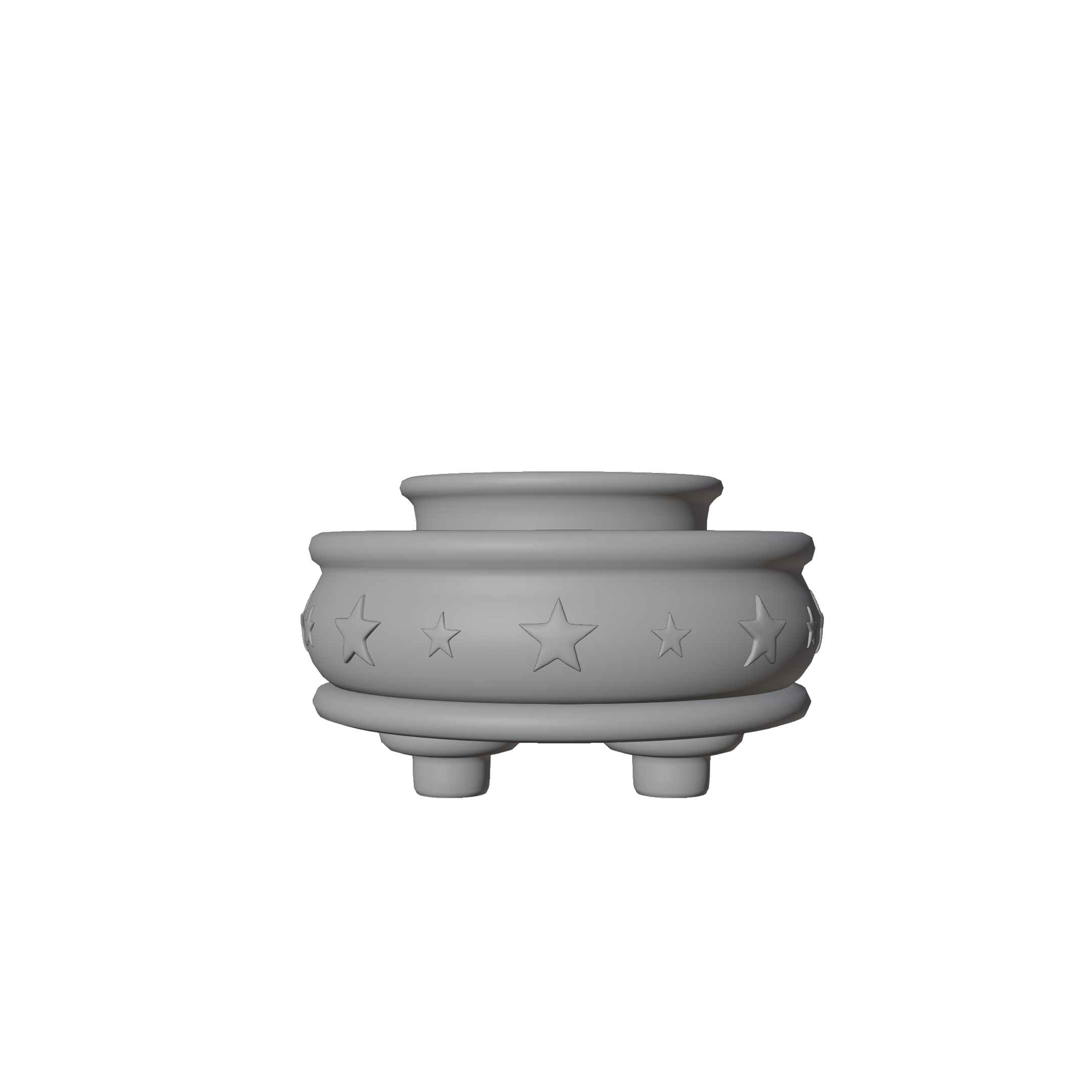
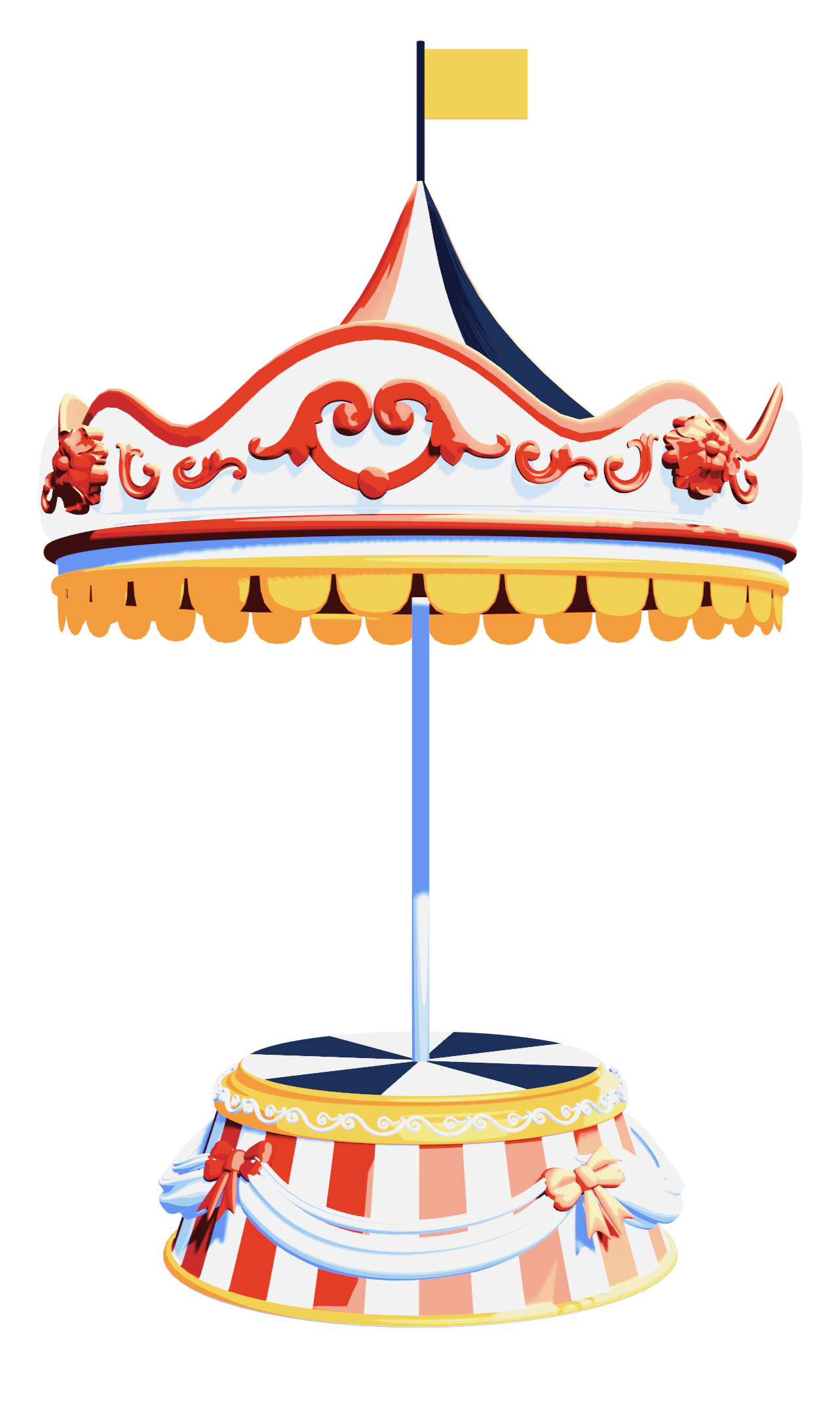
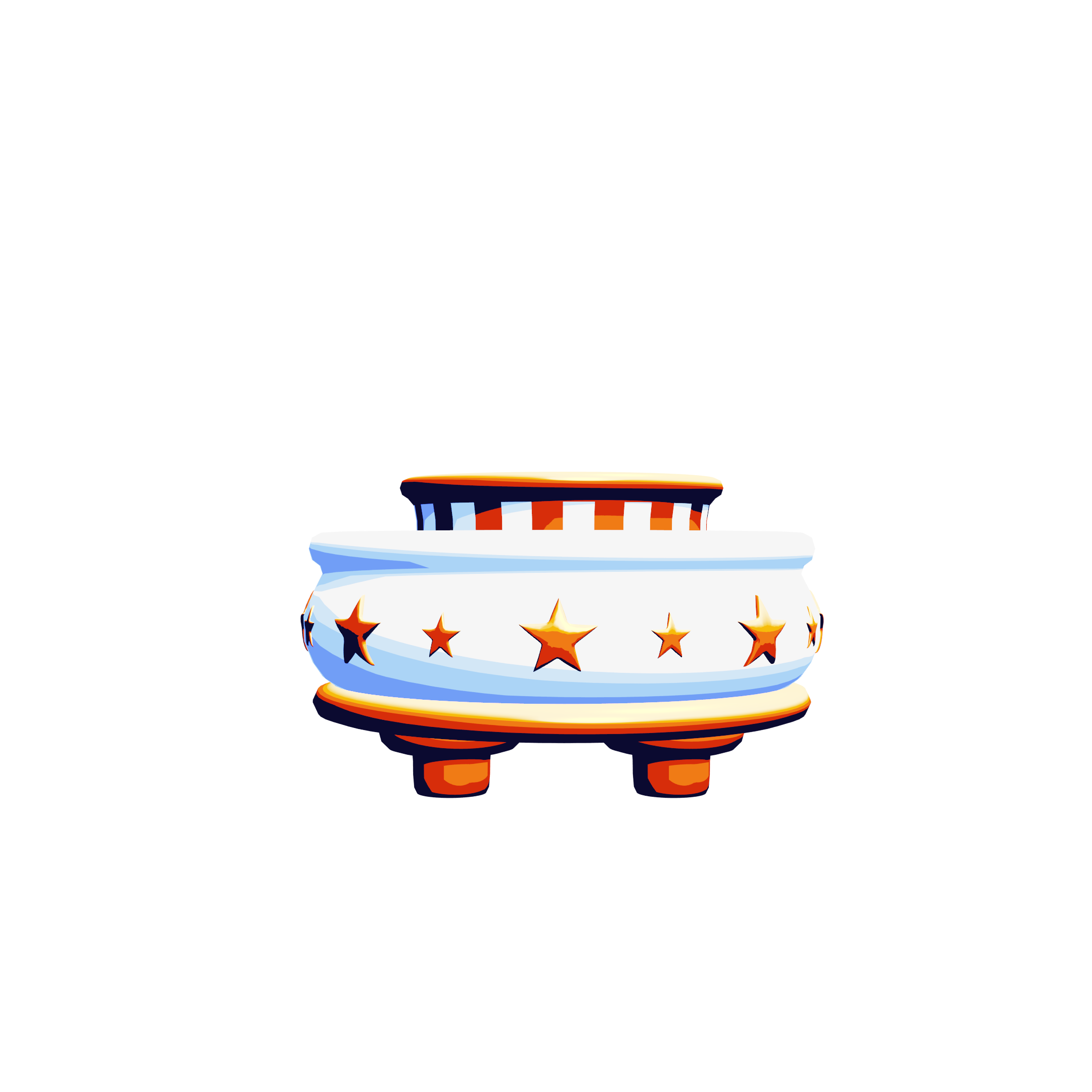
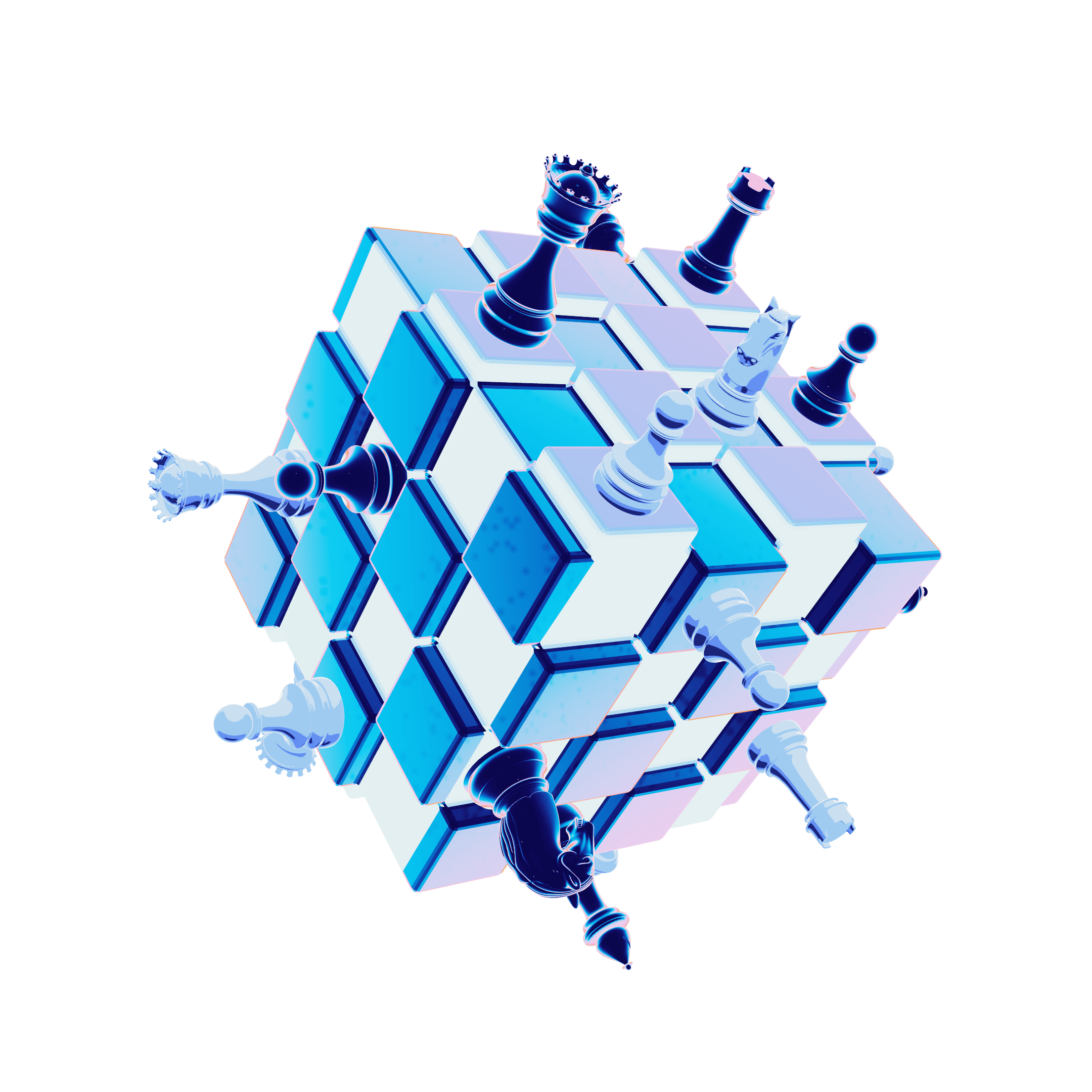
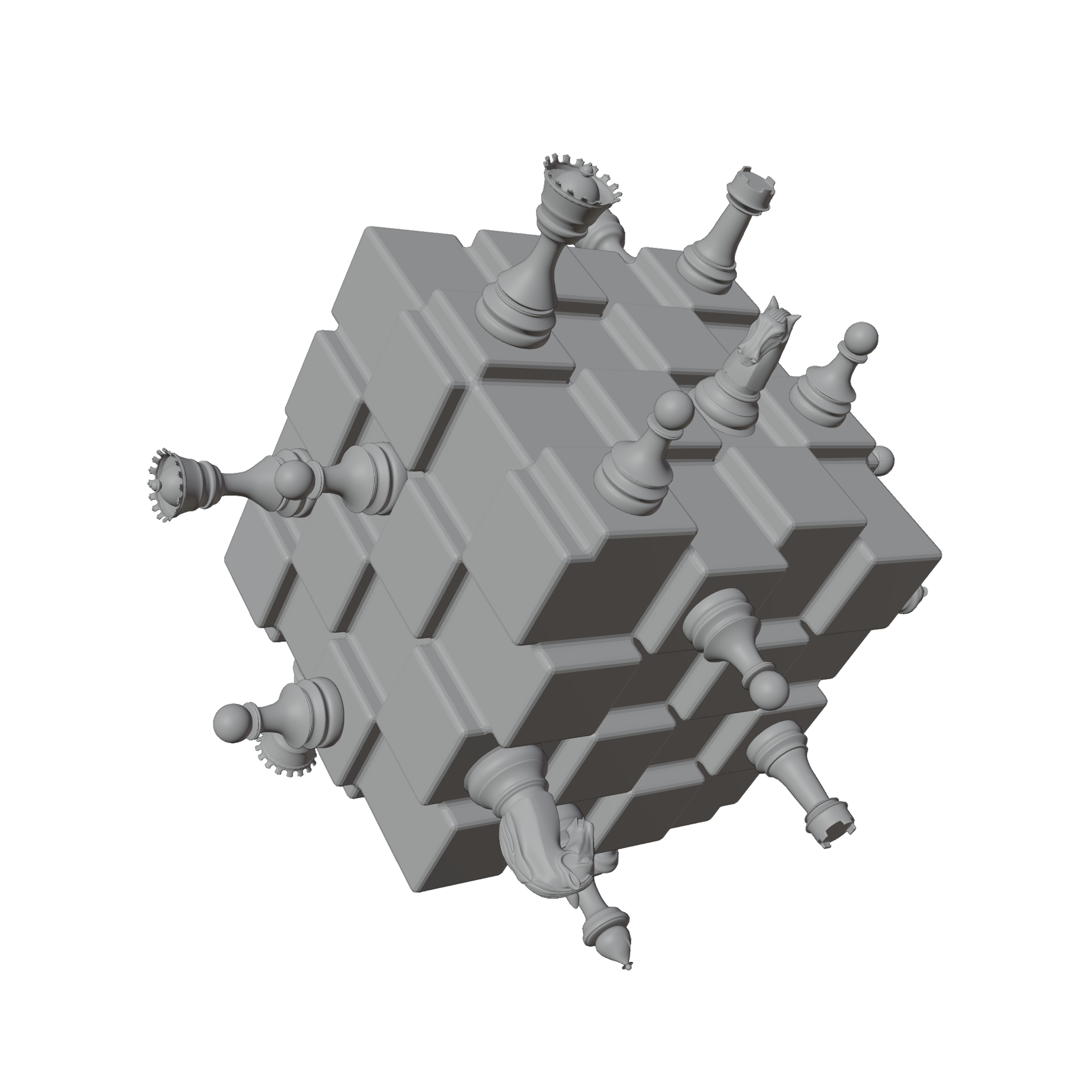
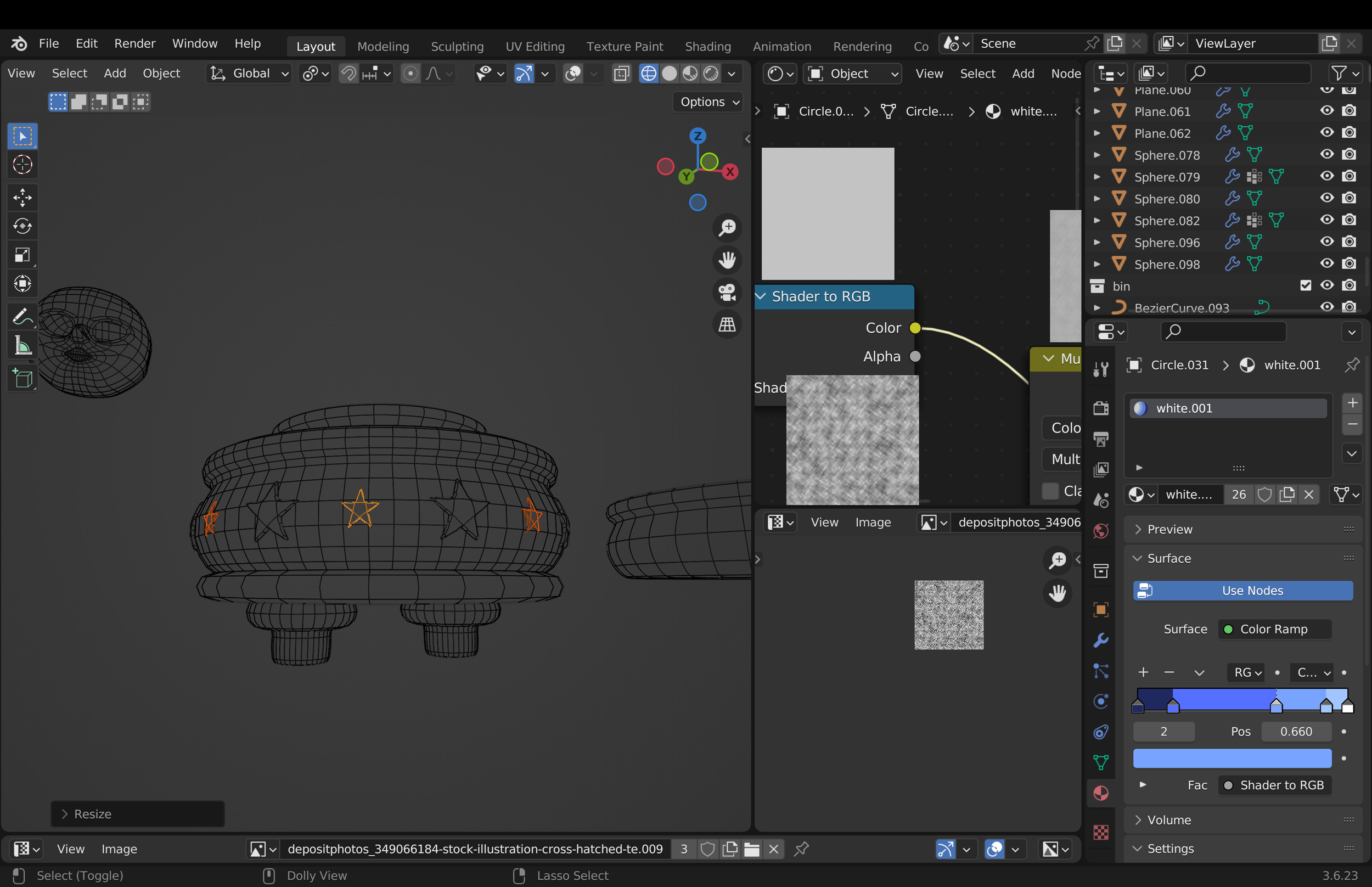
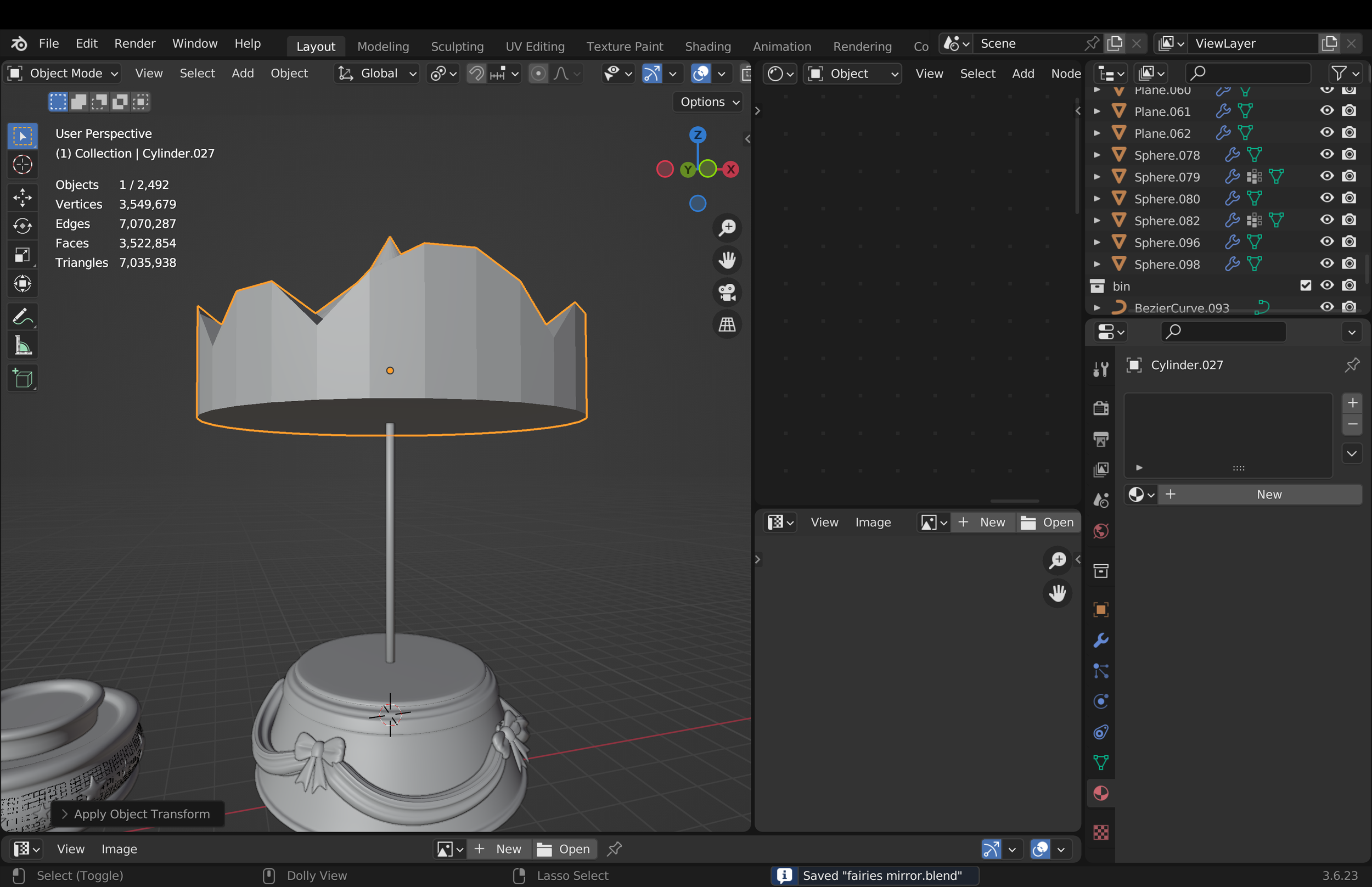
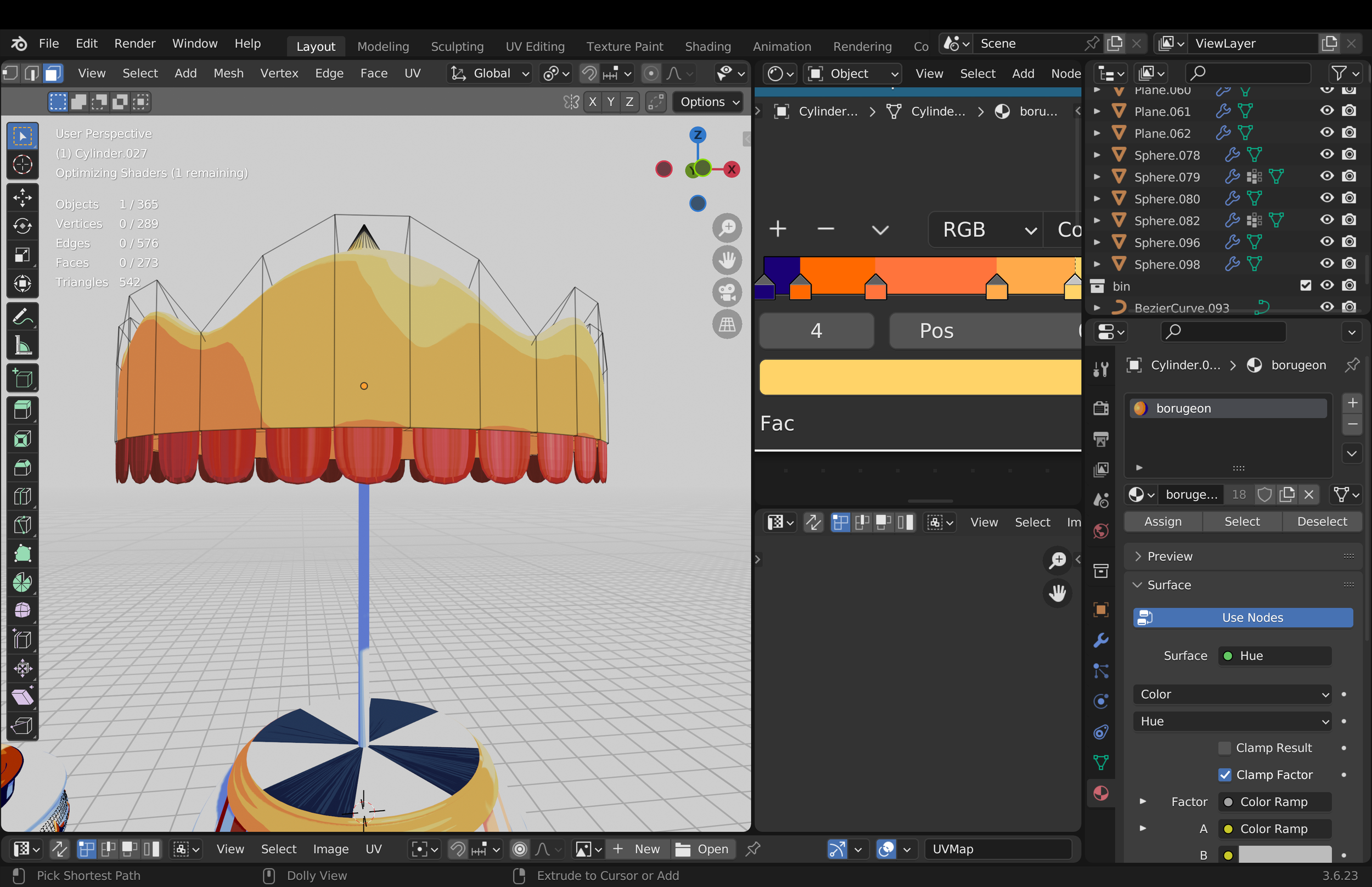
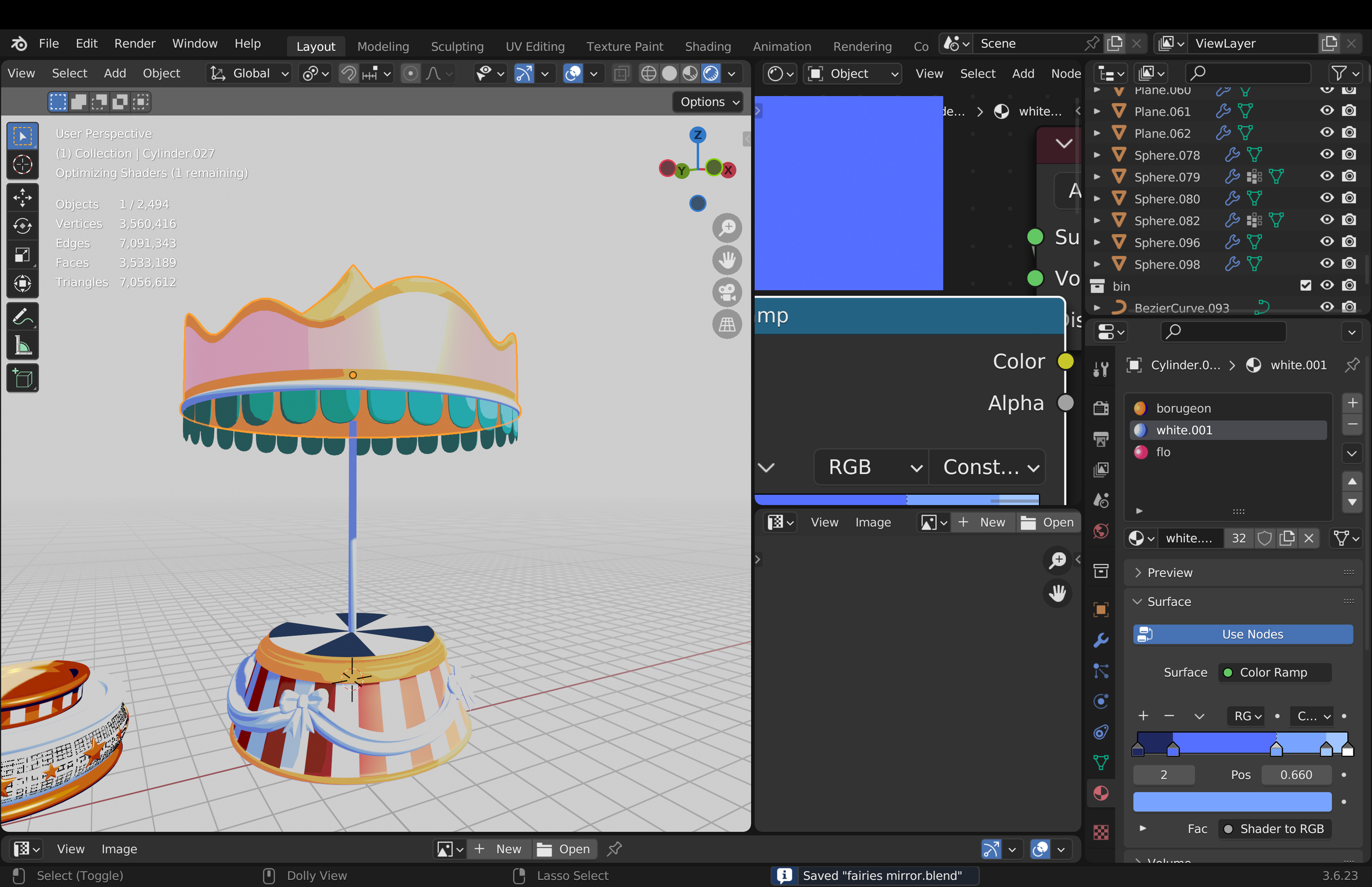
I began by modeling the different assets needed for the scene, starting with elements such as the circus carousel and other props.
MODELING ASSETS
BEHIND THE SCENES
BEHIND THE SCENES
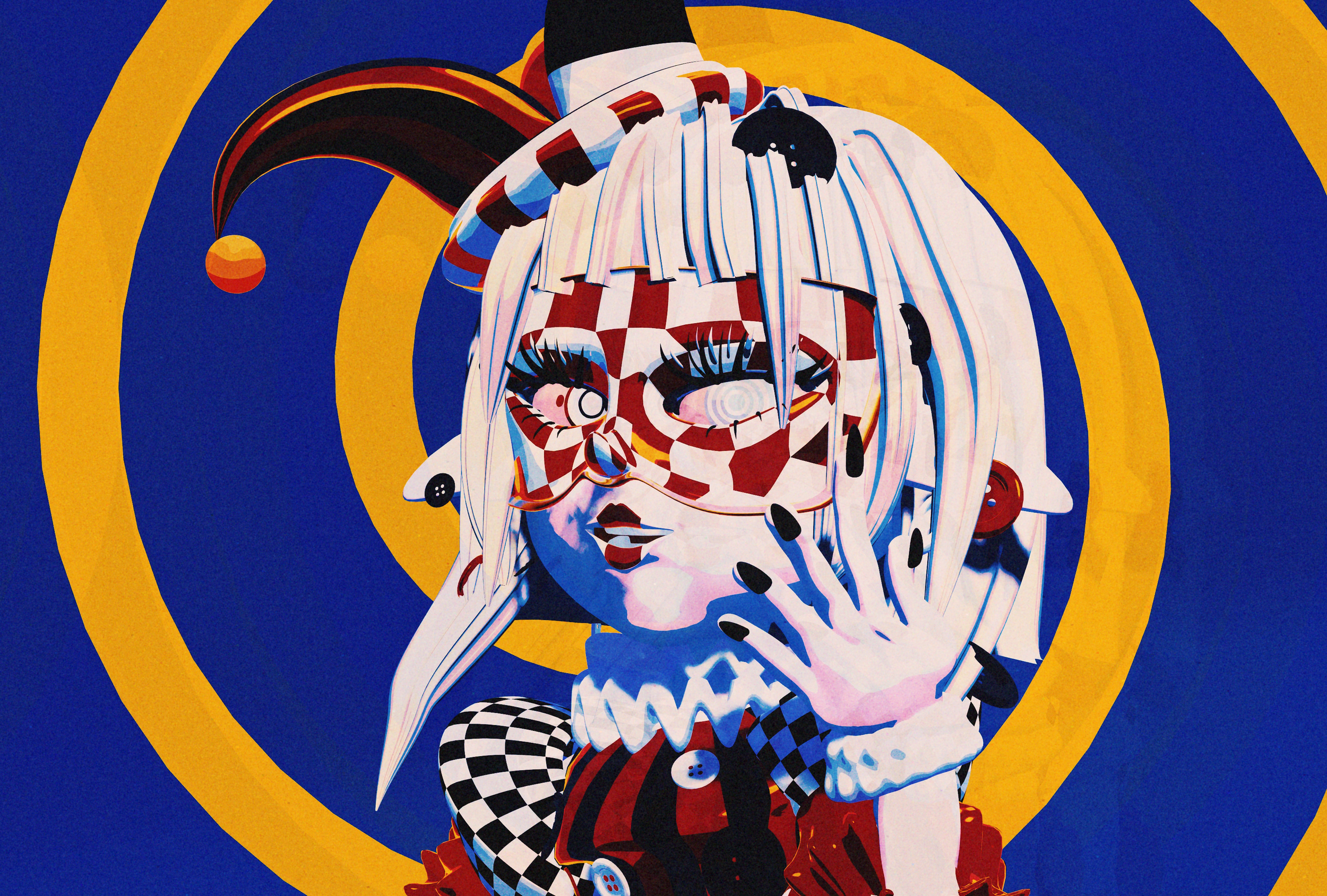
GIA & BIN
CHARACTER DESIGN
For a more in-depth look at the creative process and behind-the-scenes work, you can find a dedicated breakdown in the “Character Design” section of my portfolio. It includes the inspiration behind these characters, moodboards, early designs, beta versions, experiments, rigging, failures, and the different stages of development that led to the final result.
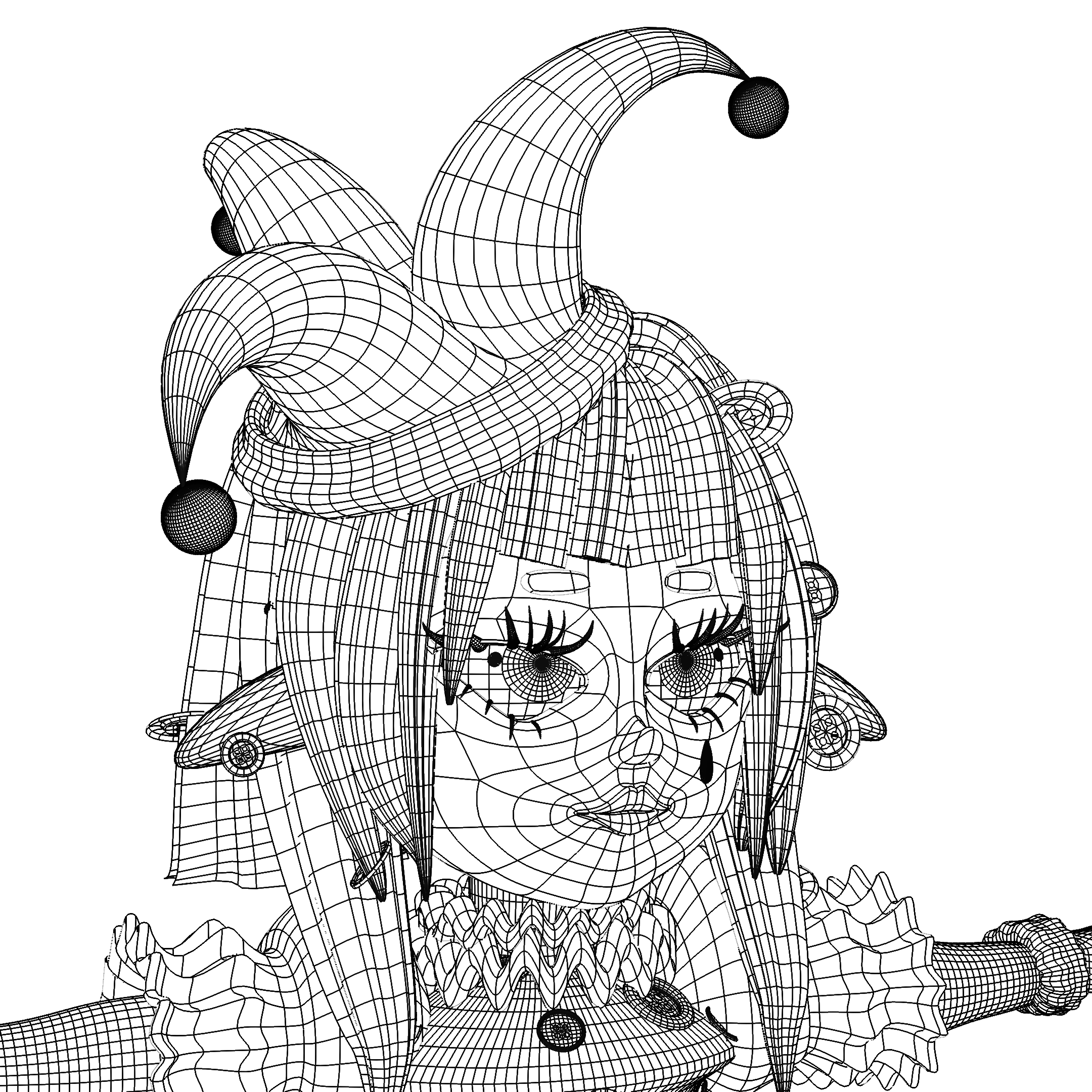
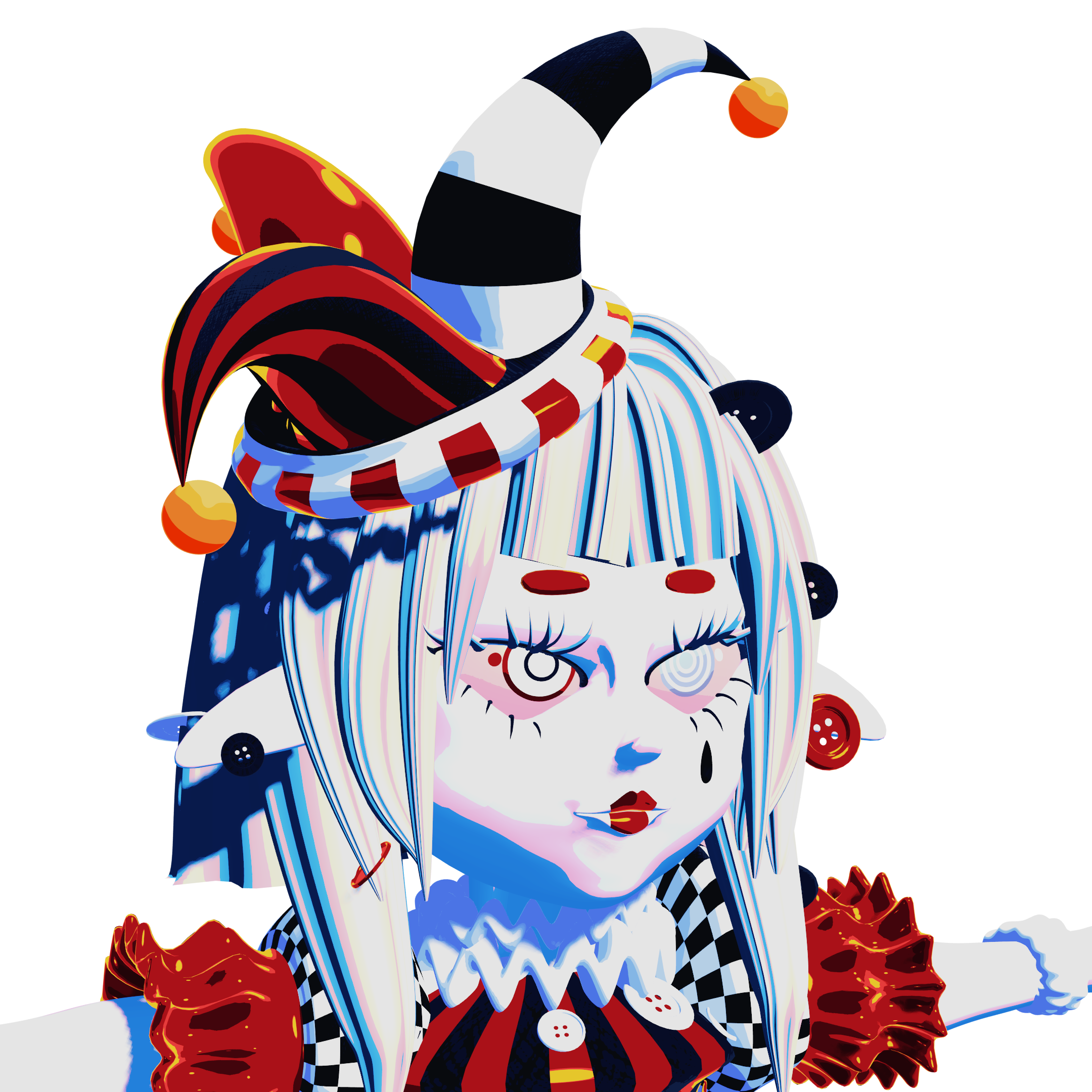
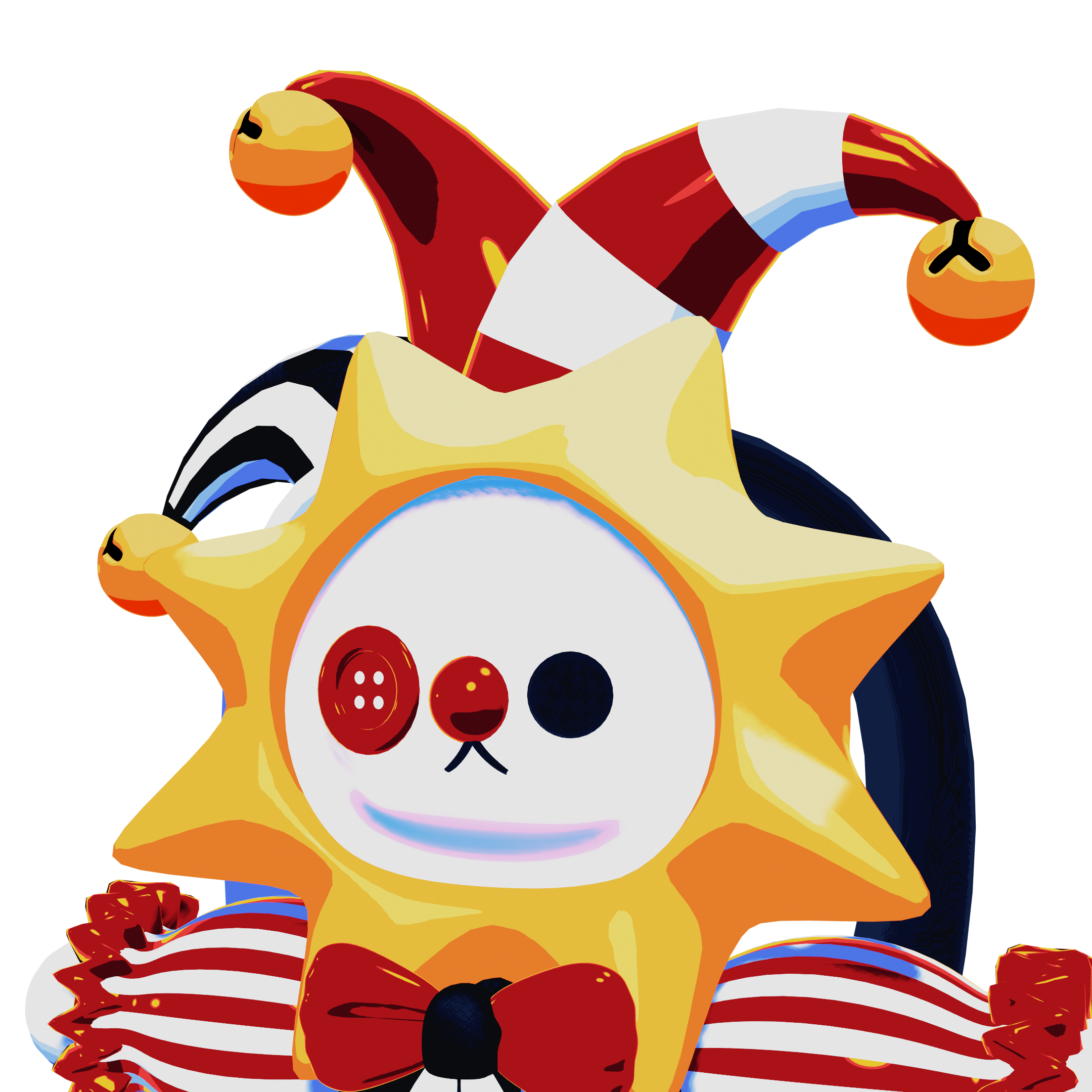
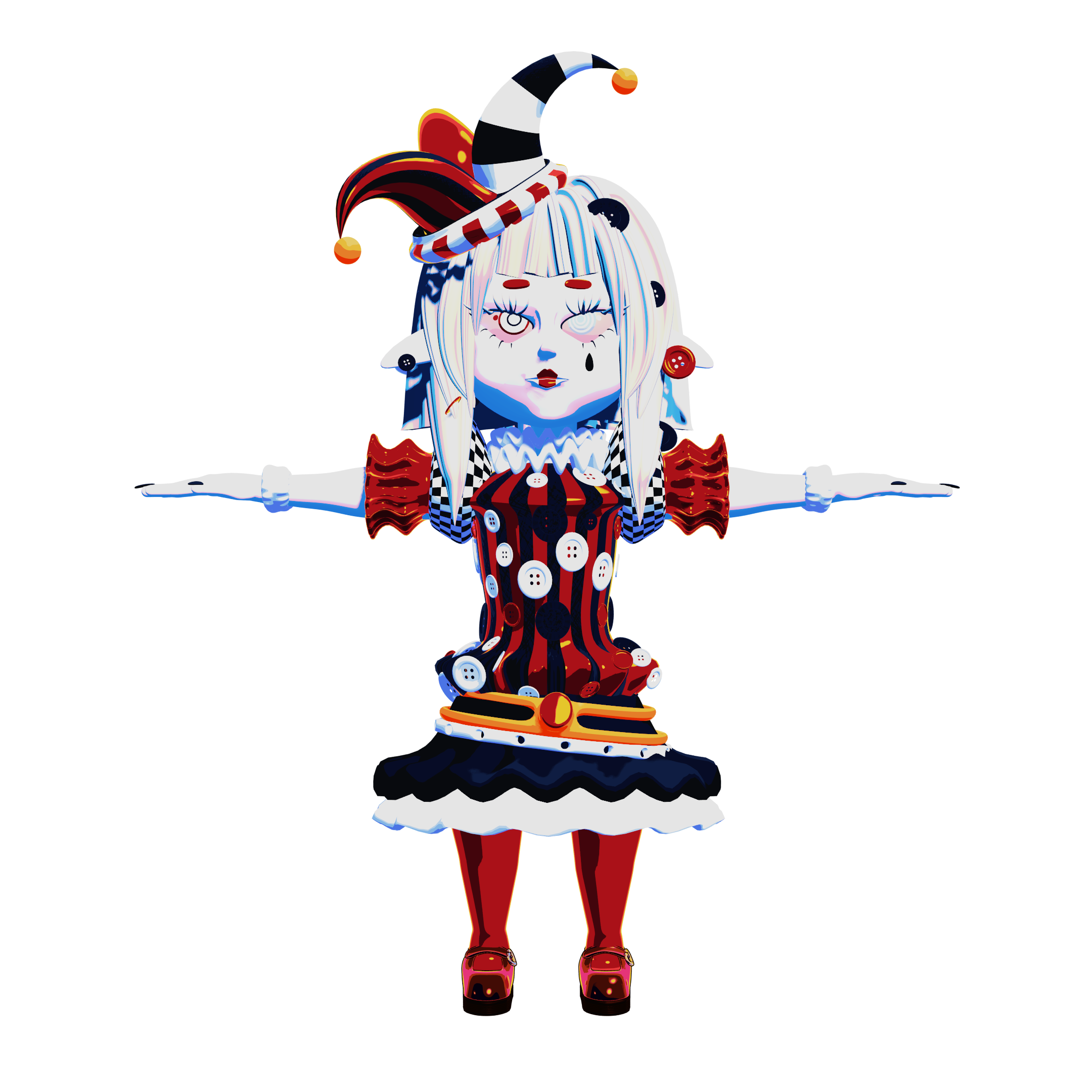
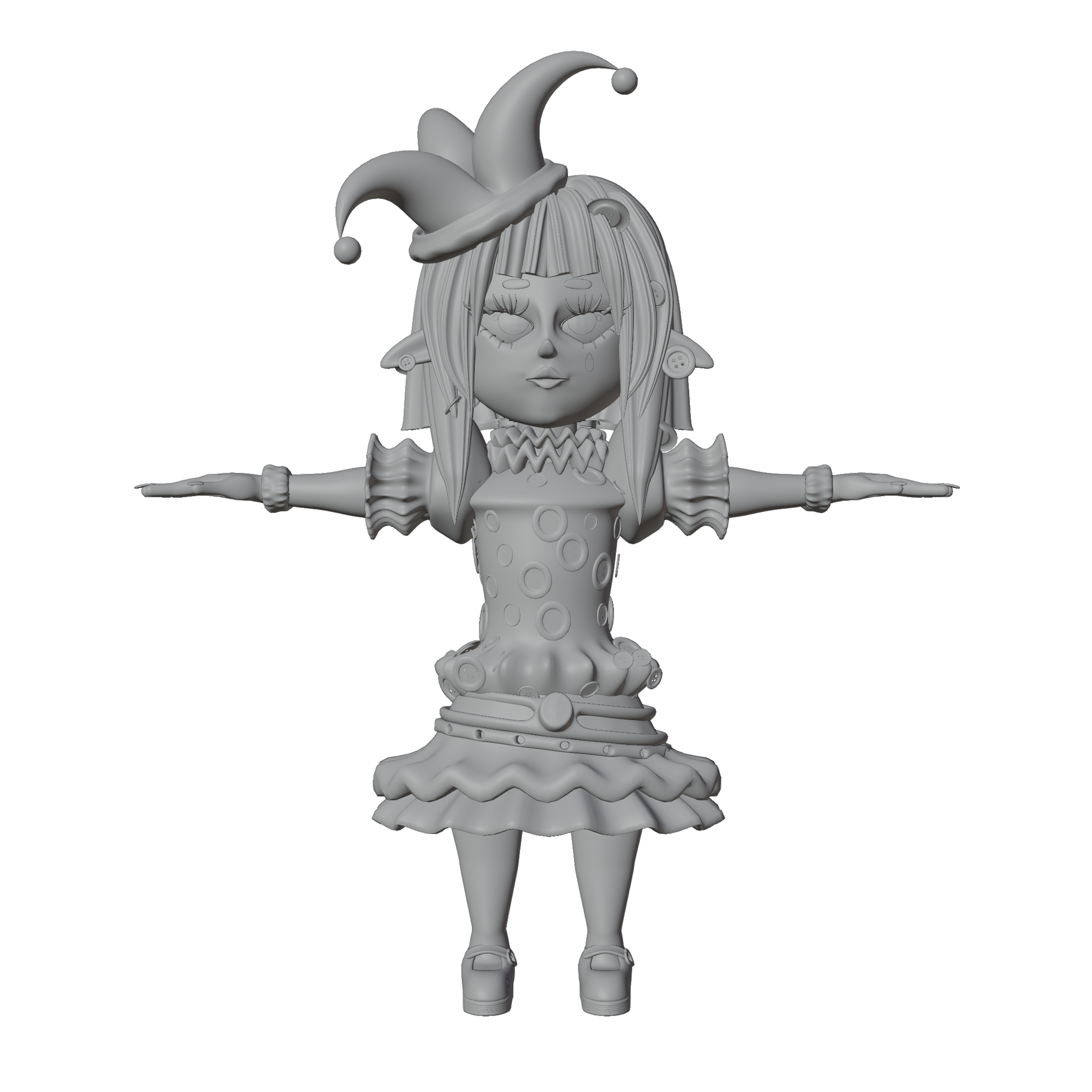
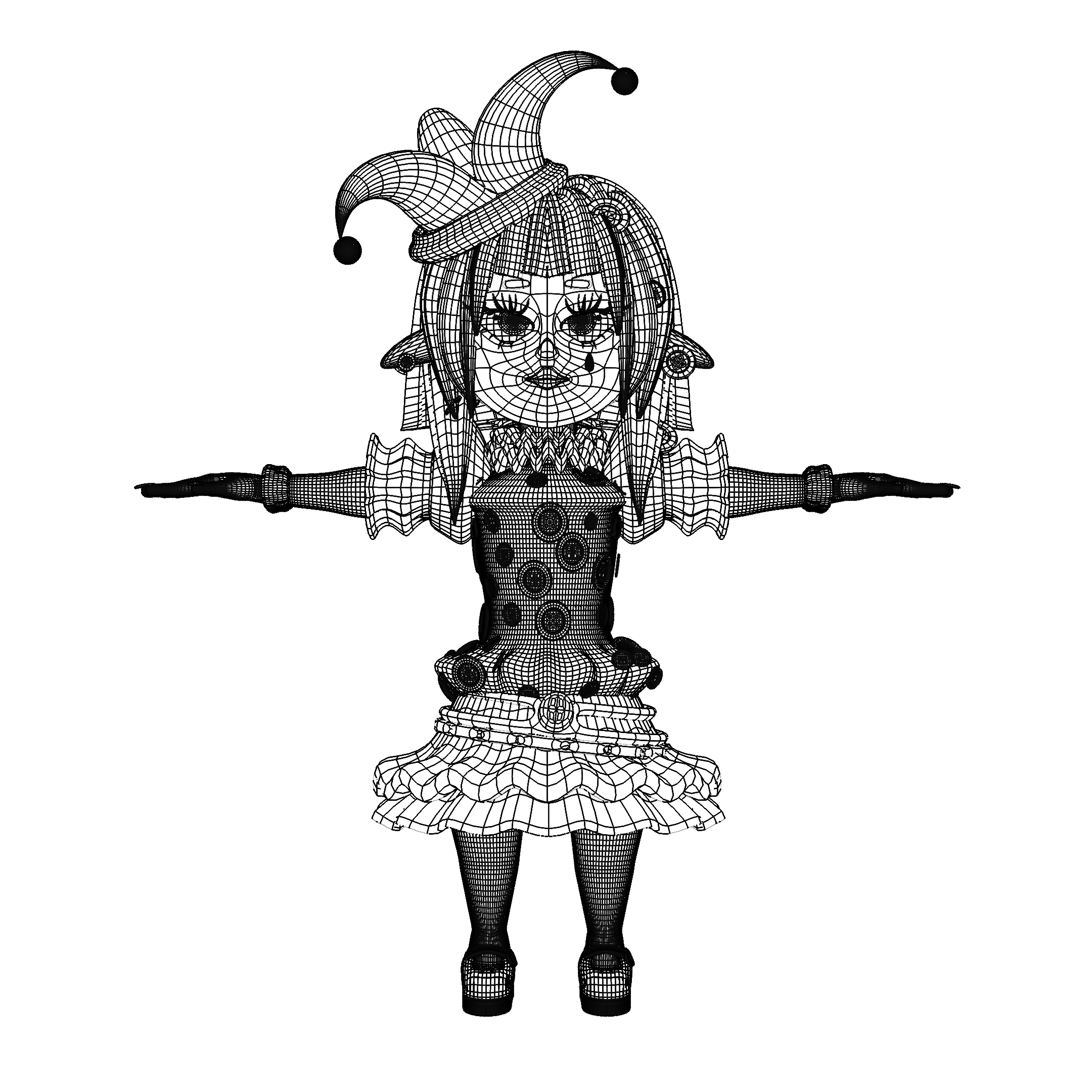
Here is a closer look at the models, shown in wireframe, viewport and render view in T-pose and from up close.
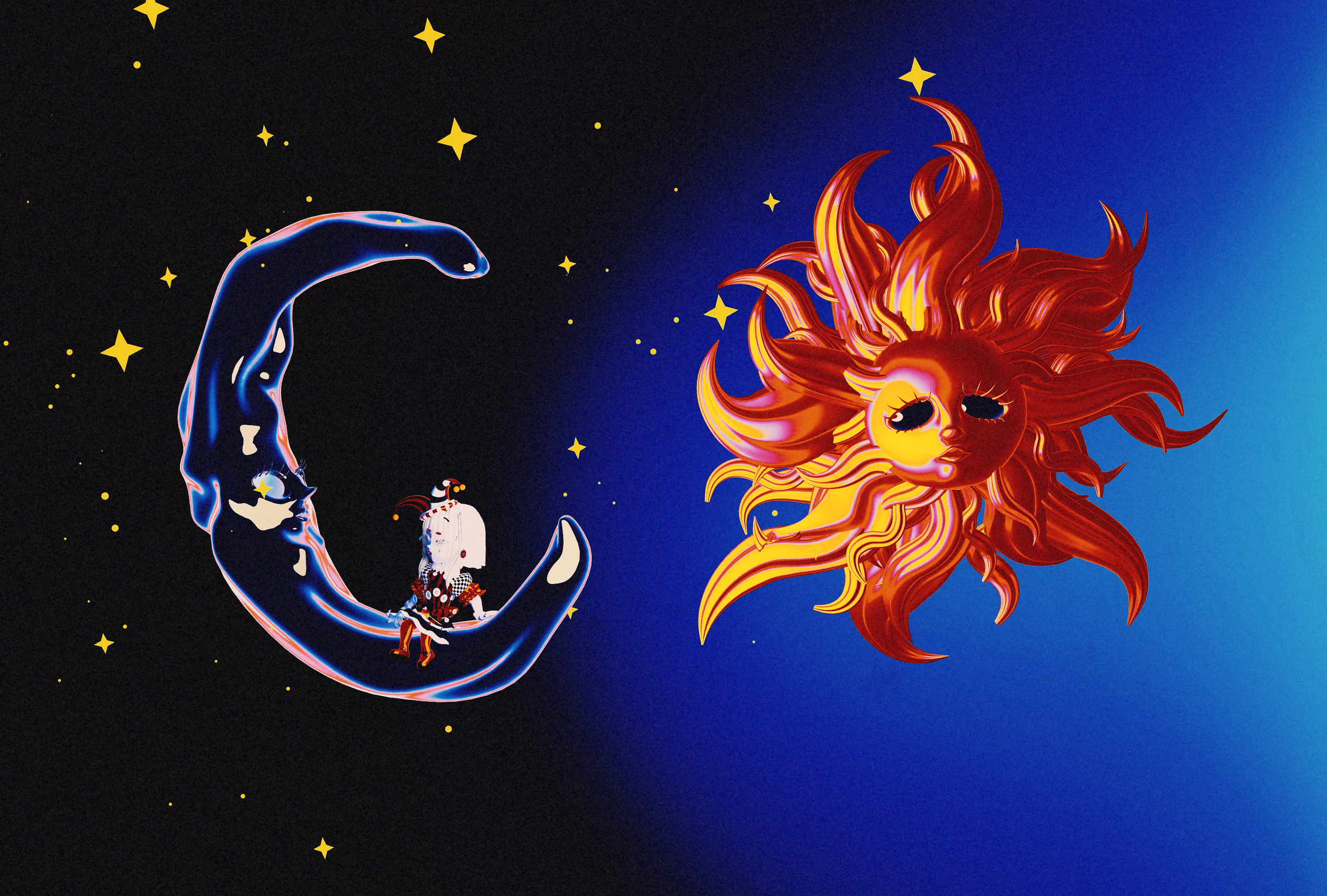
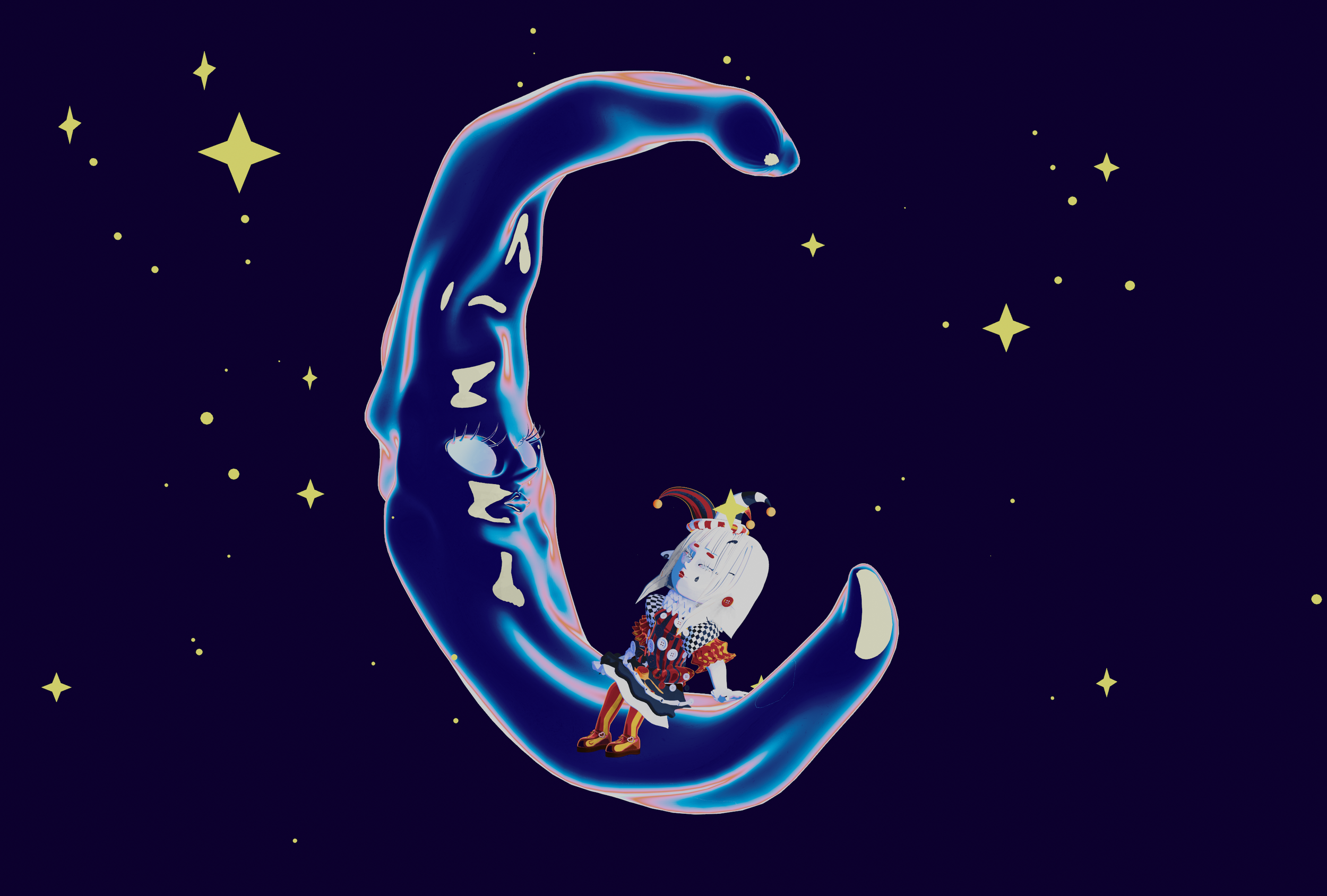
SUN & MOON
CHARACTER DESIGN
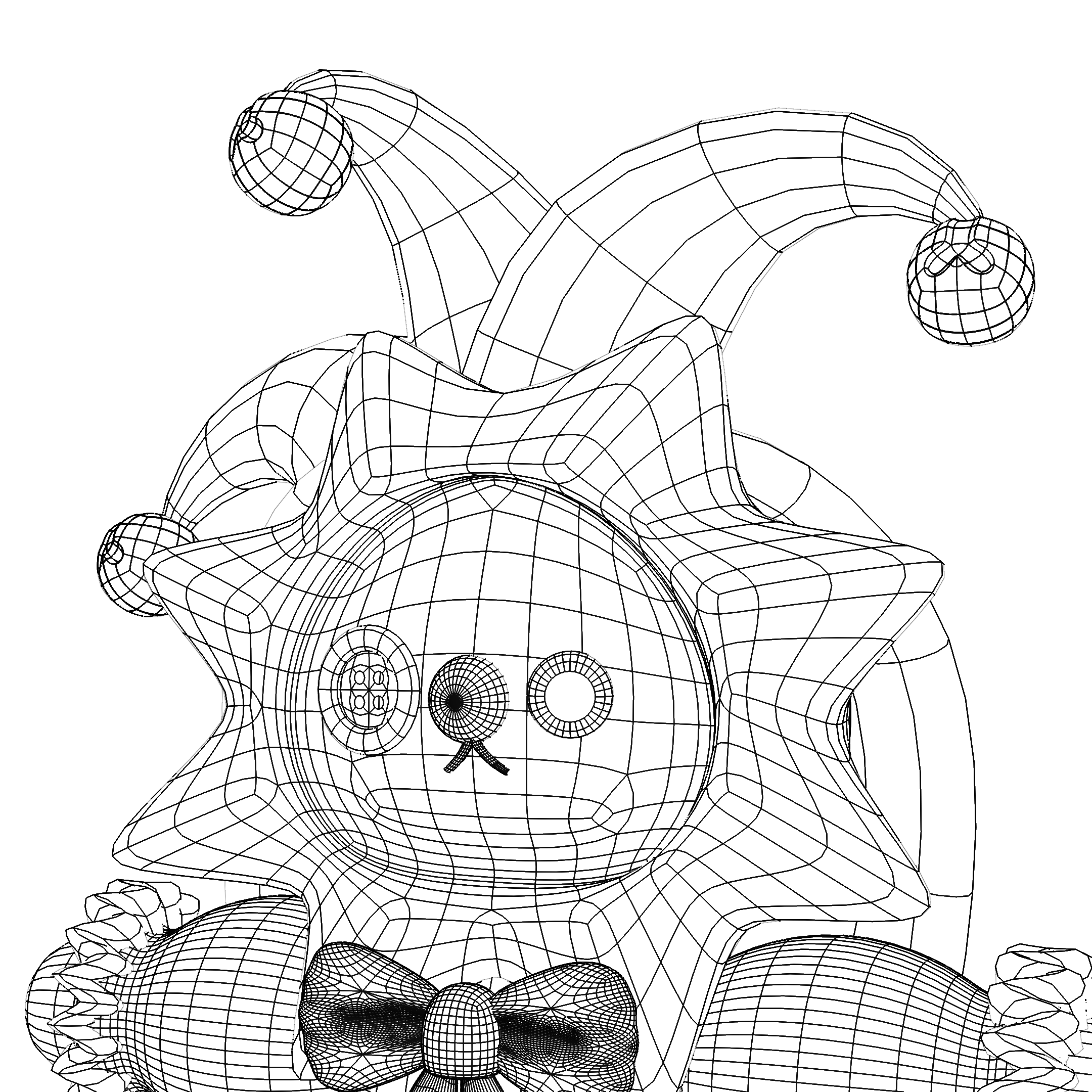
Just like Gia and Bin, you can find a dedicated breakdown in the “Character Design” section of my portfolio which also includes the inspiration behind these characters, moodboards, early designs, beta versions, experiments, rigging, failures, and the different stages of development that led to the final result.
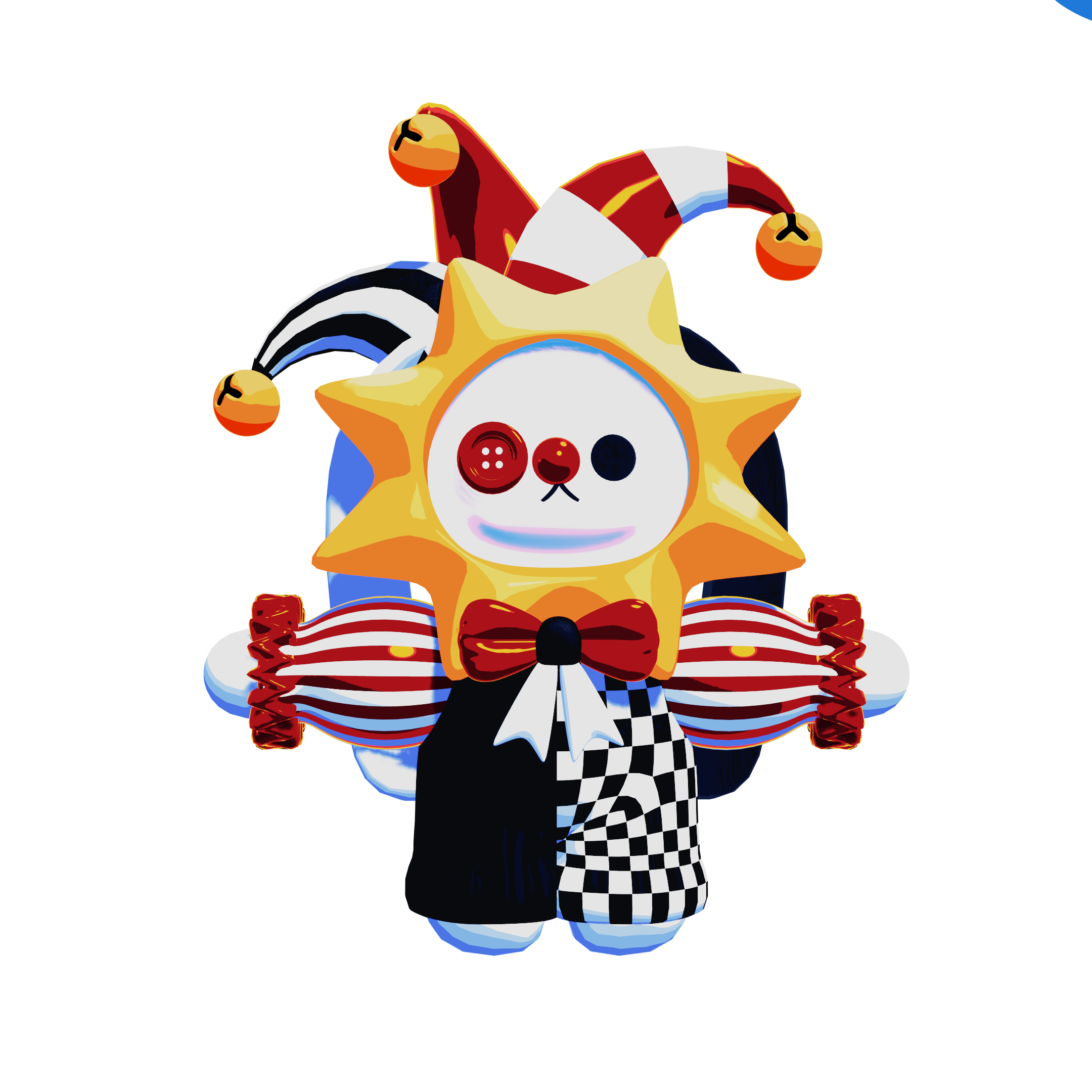
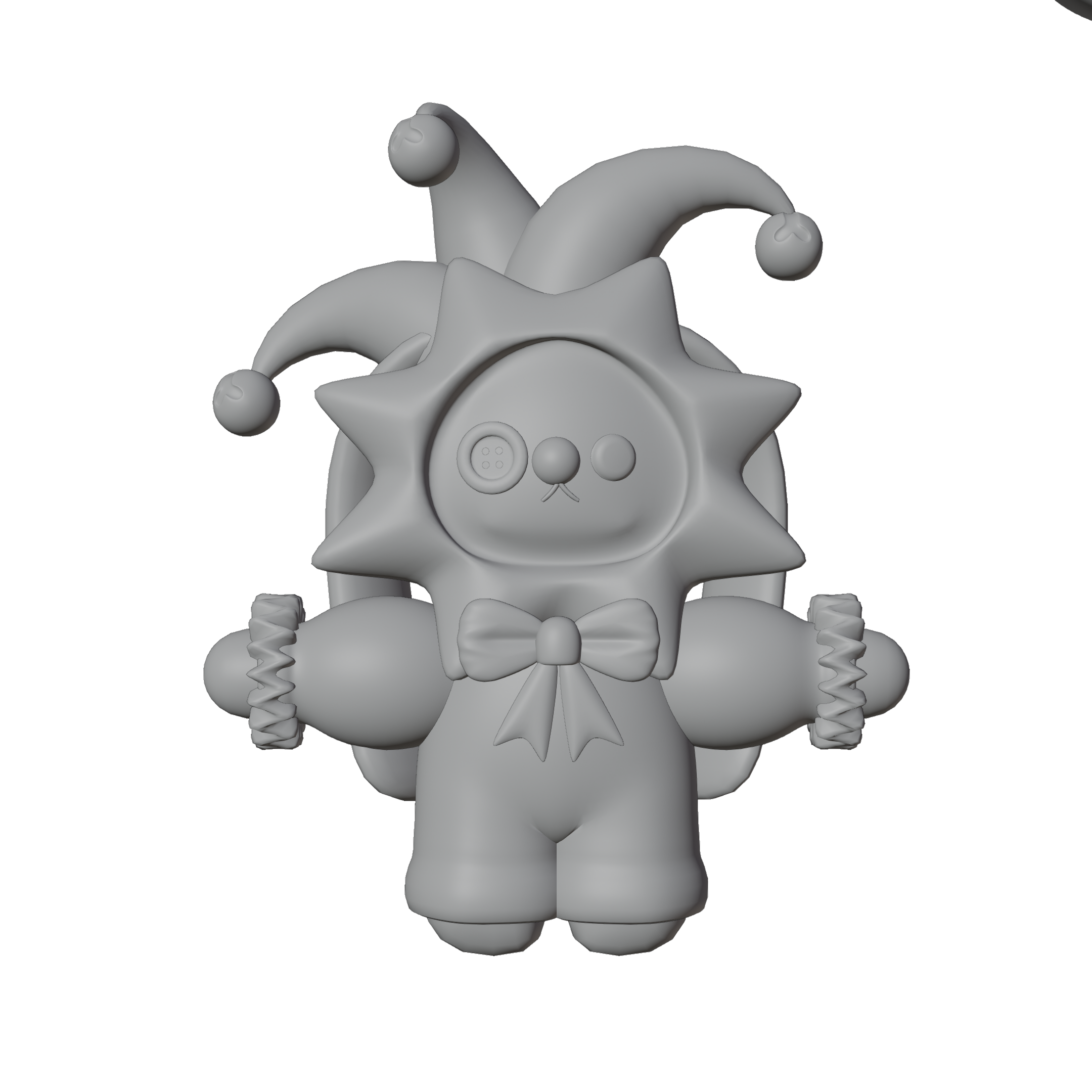
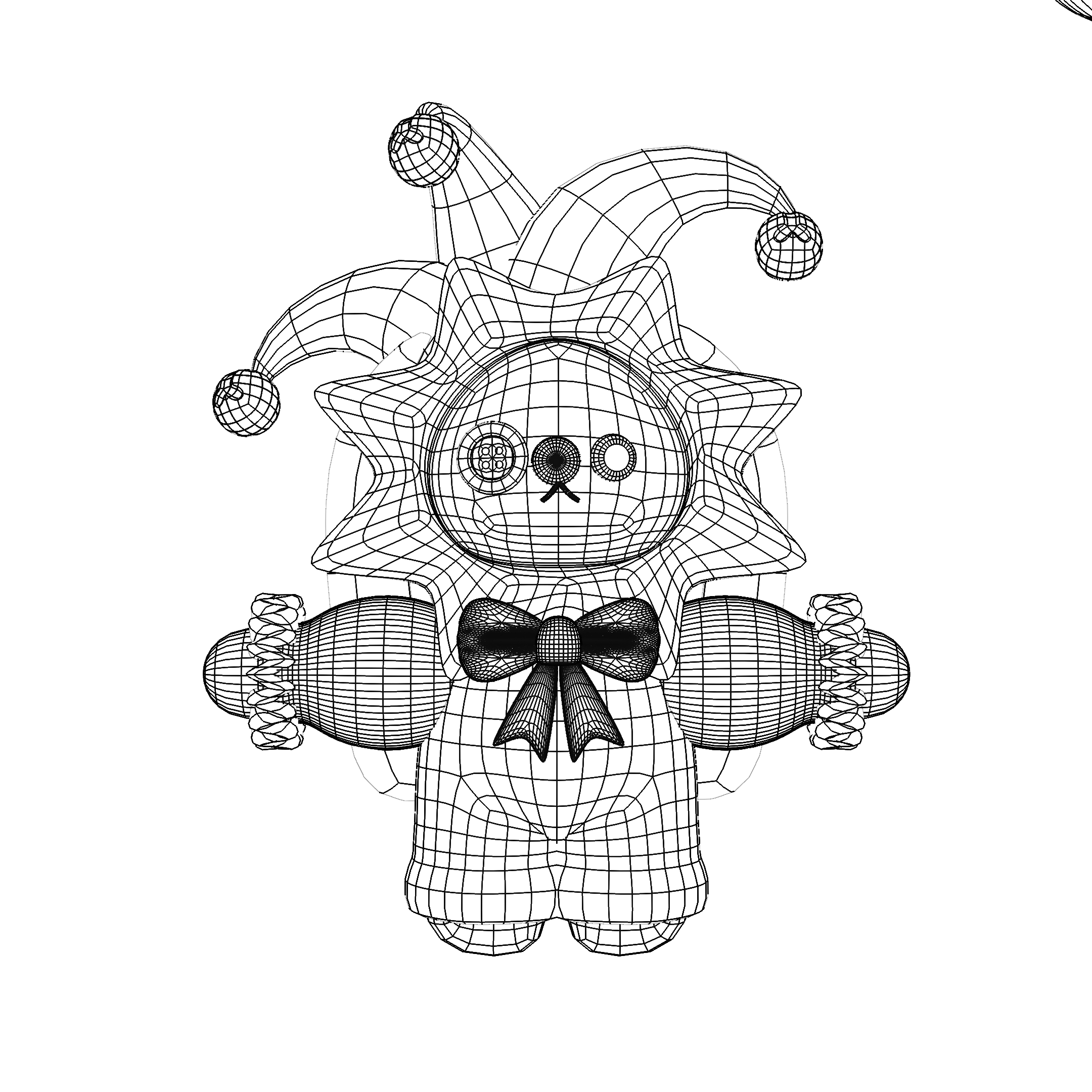
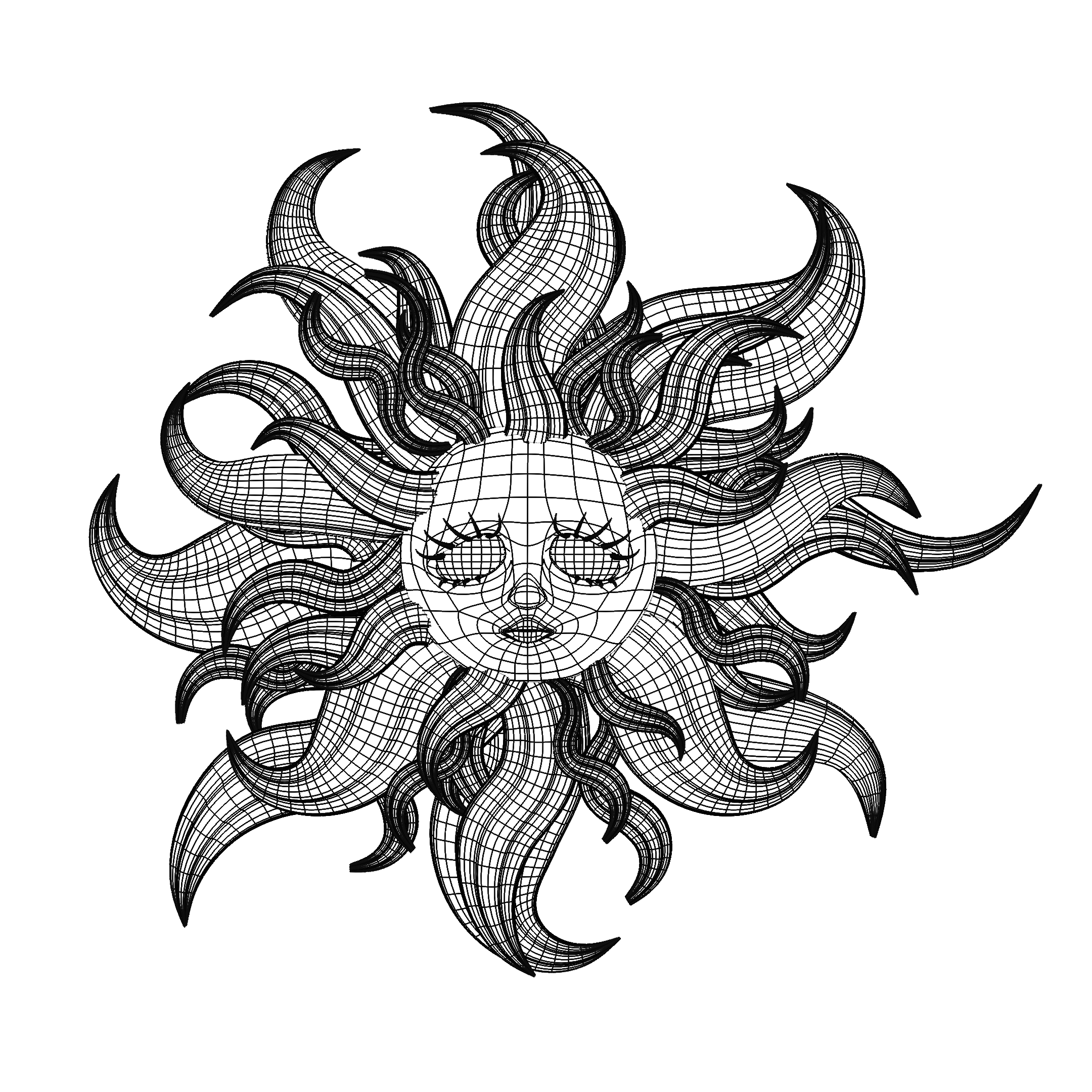
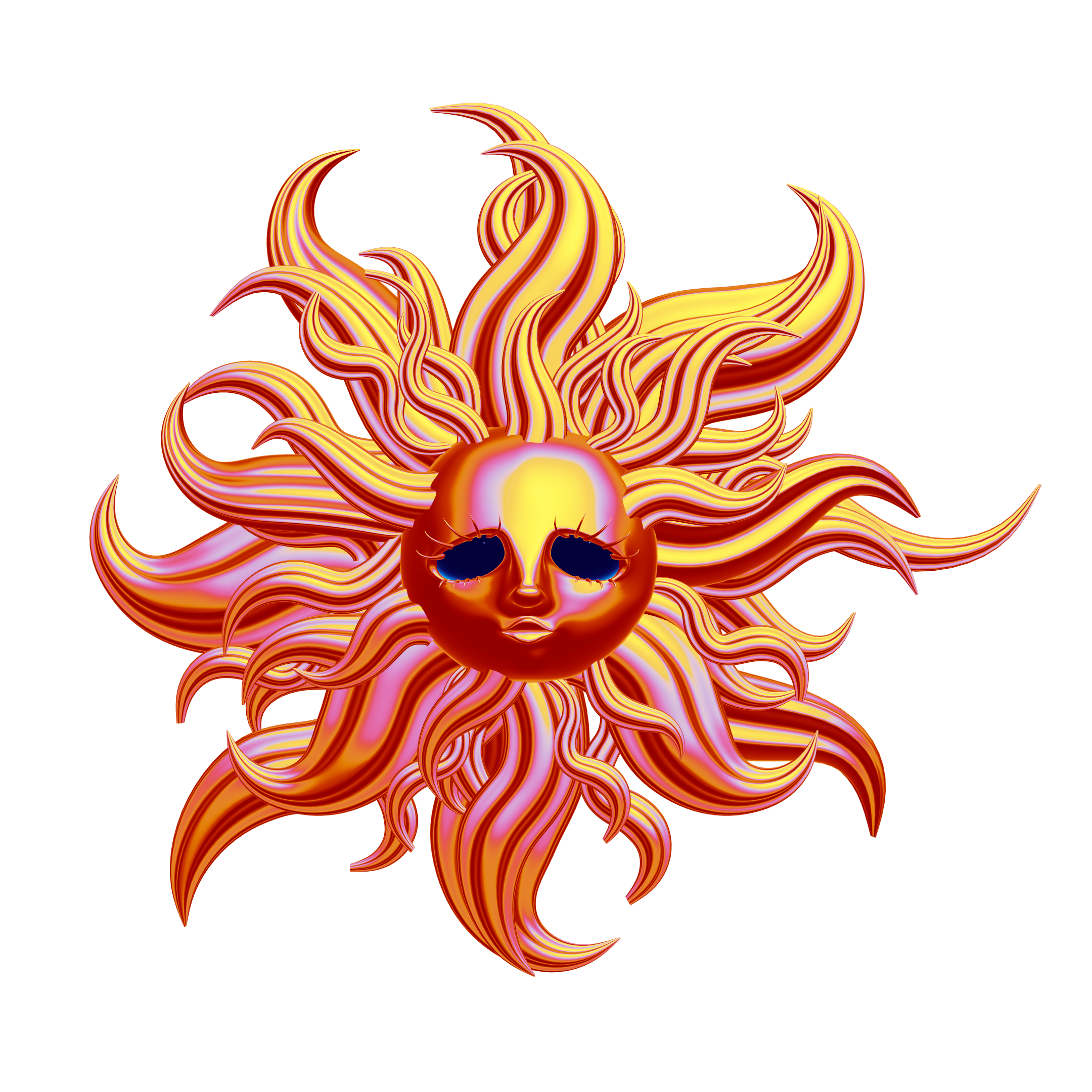
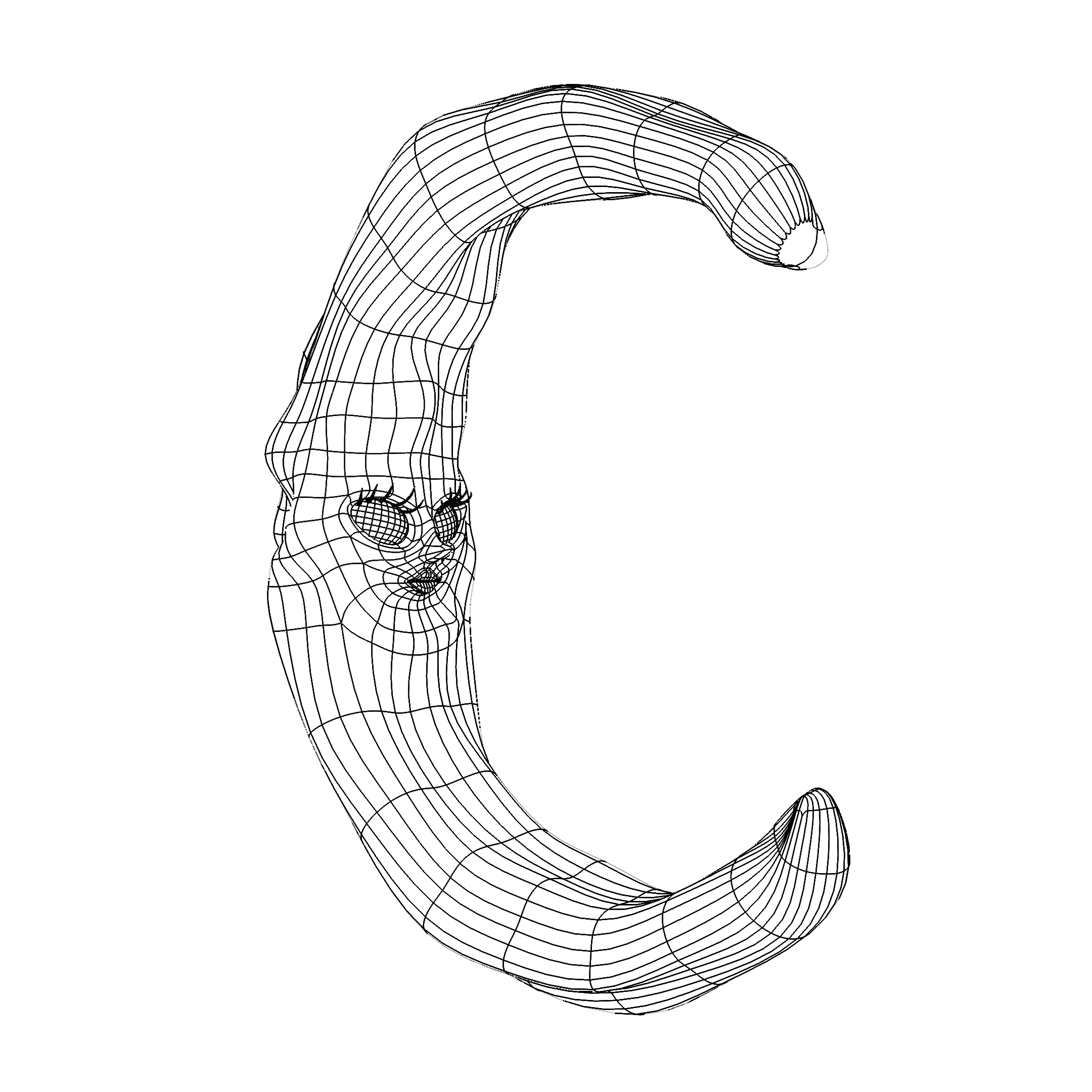
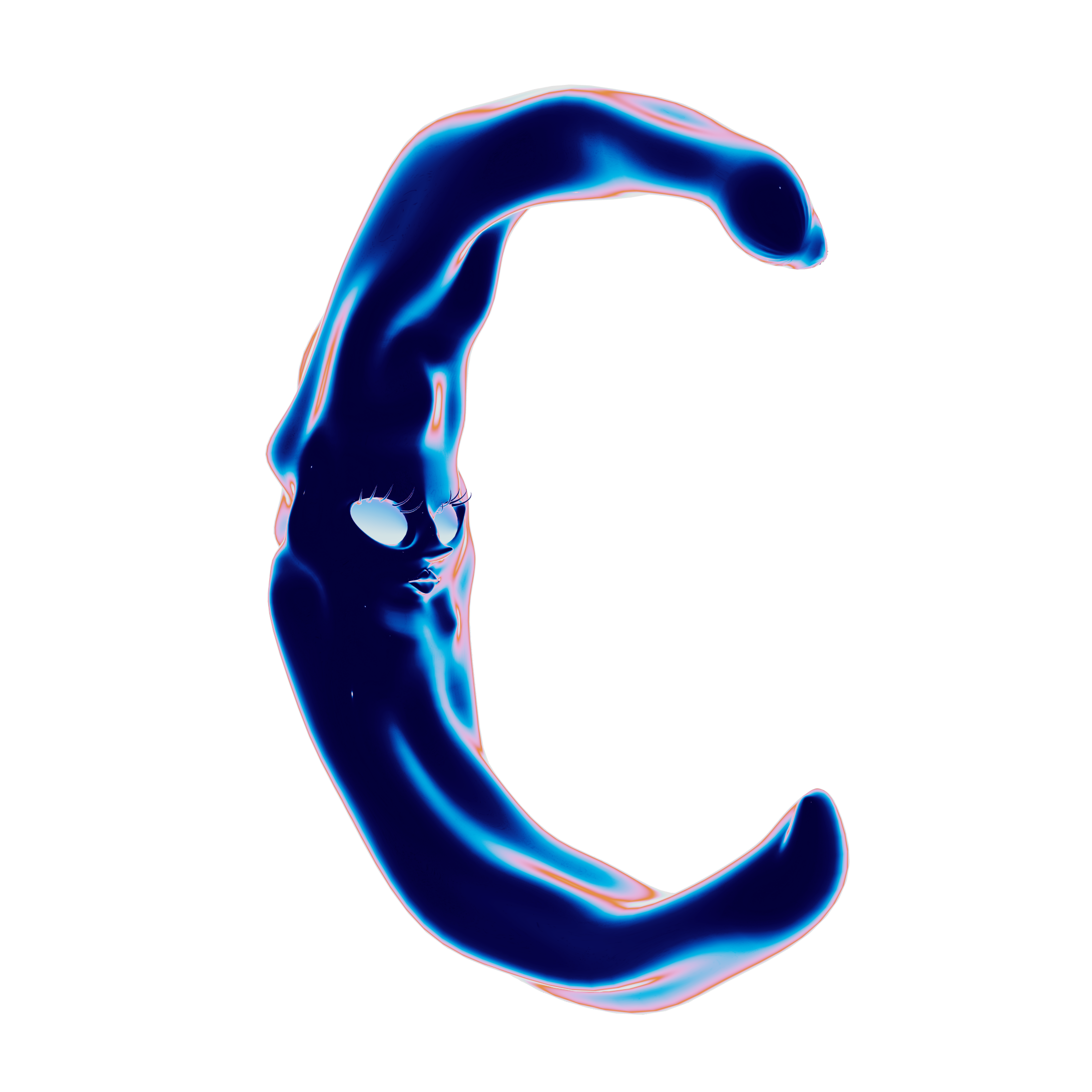
Here is a closer look at the models, shown in wireframe and render view.
PROJECT BREAKDOWN
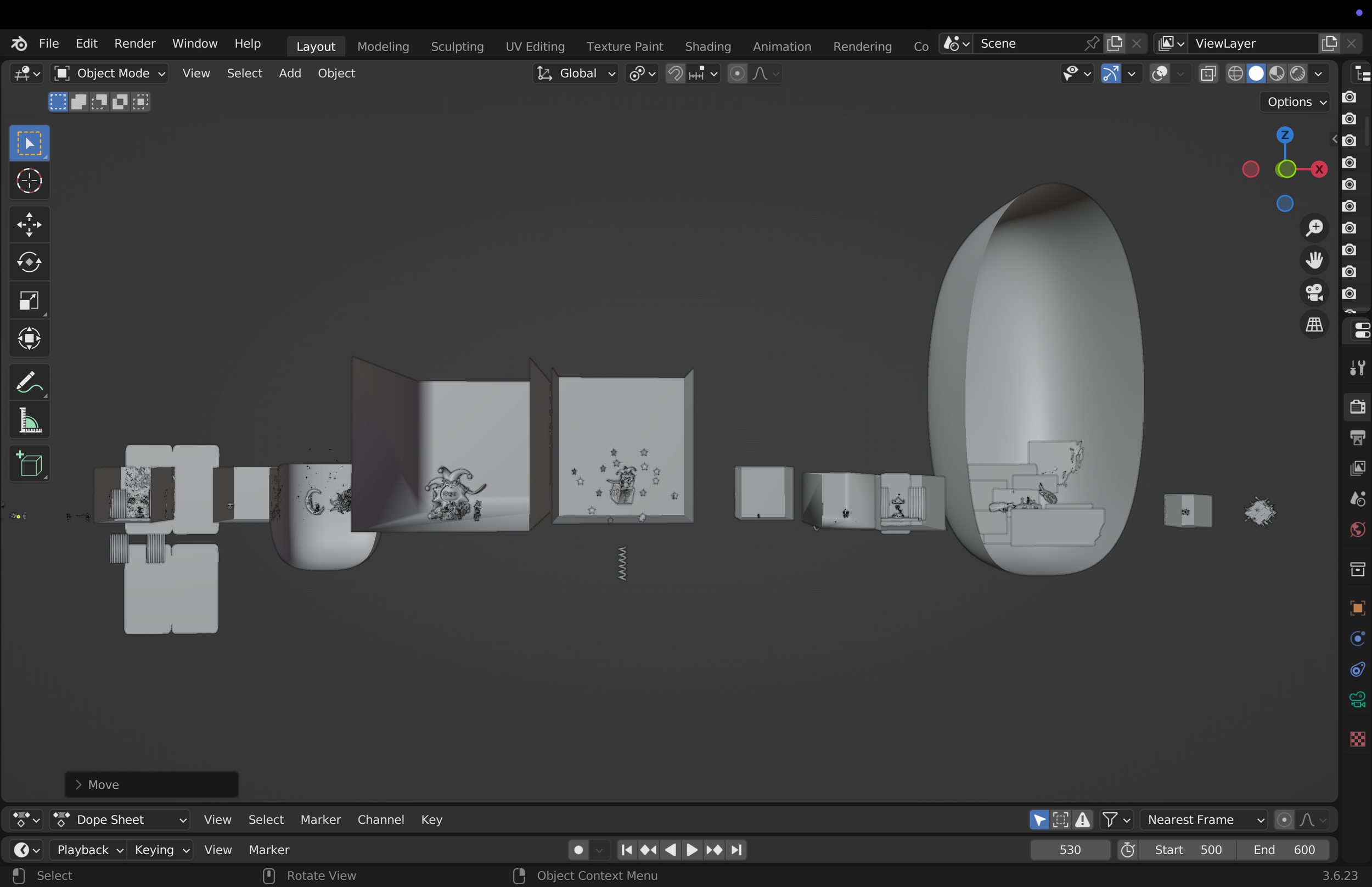
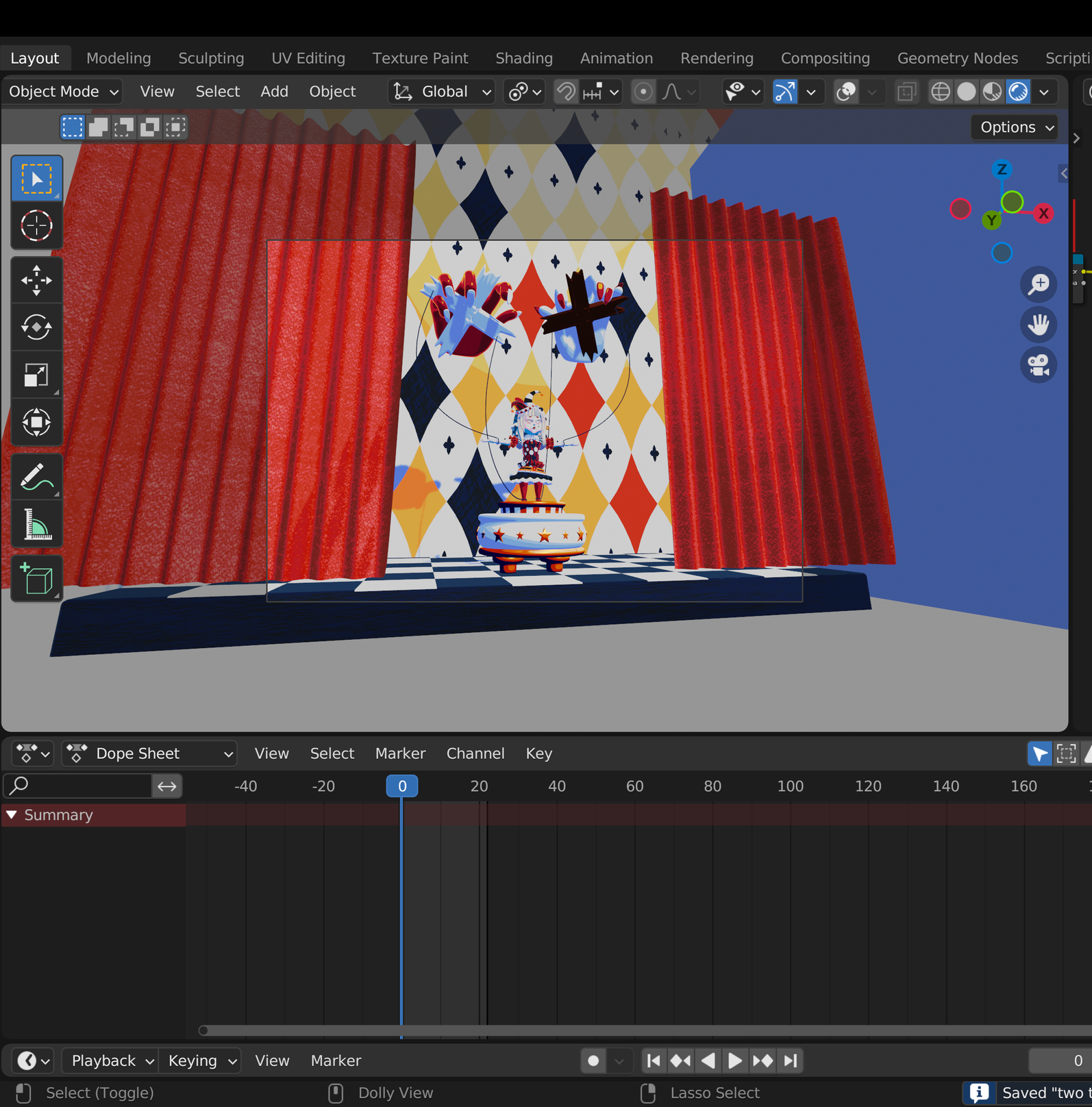
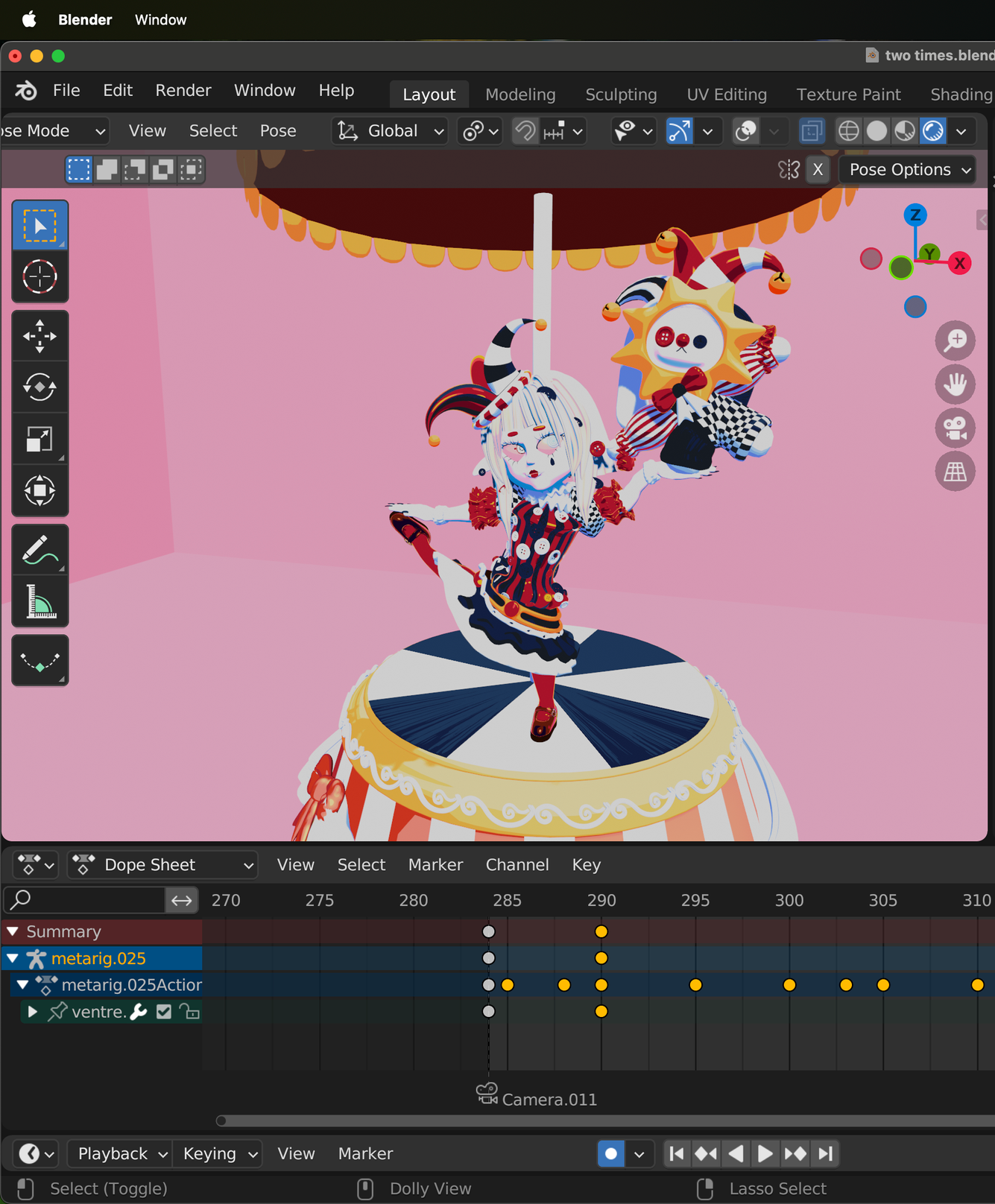
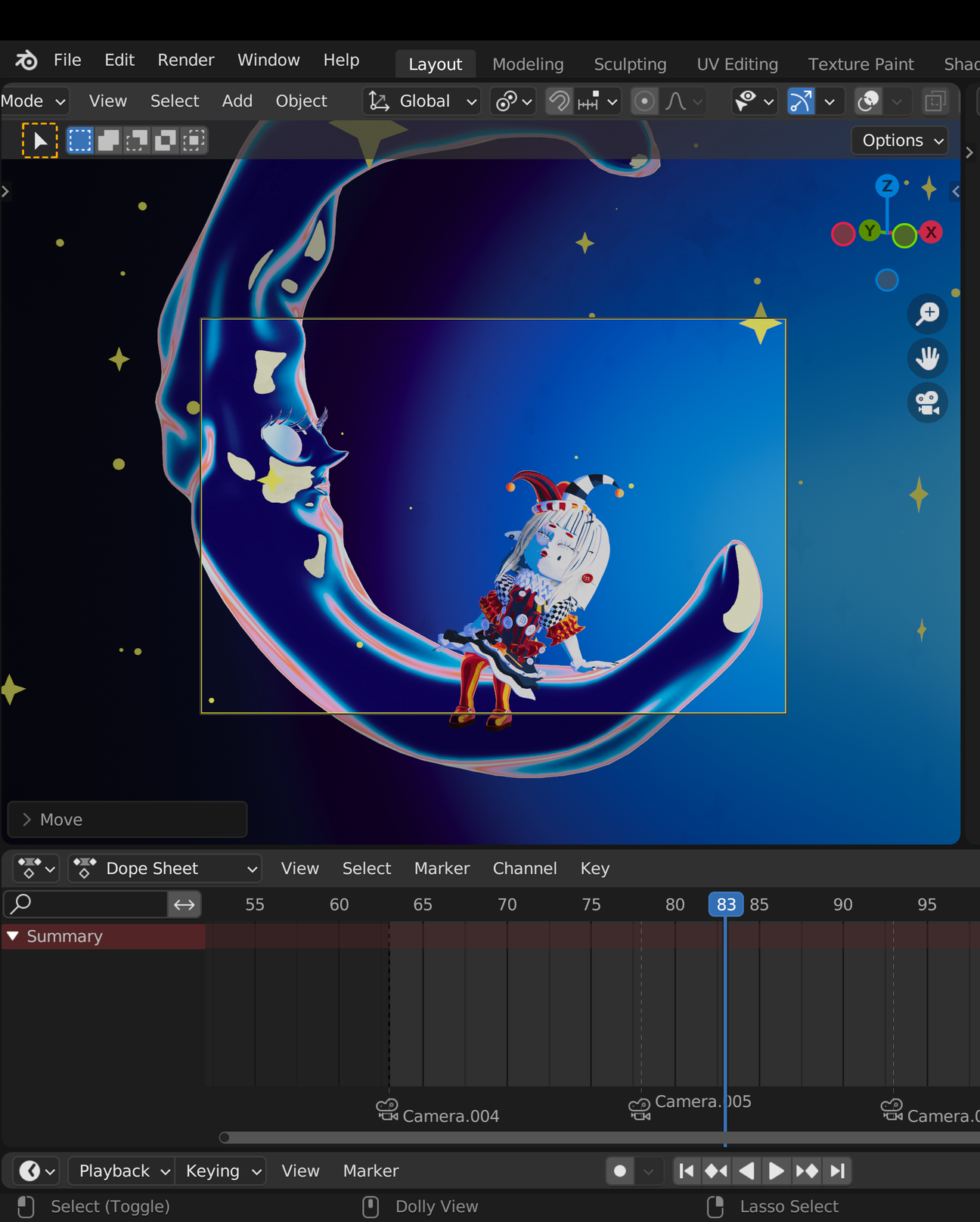
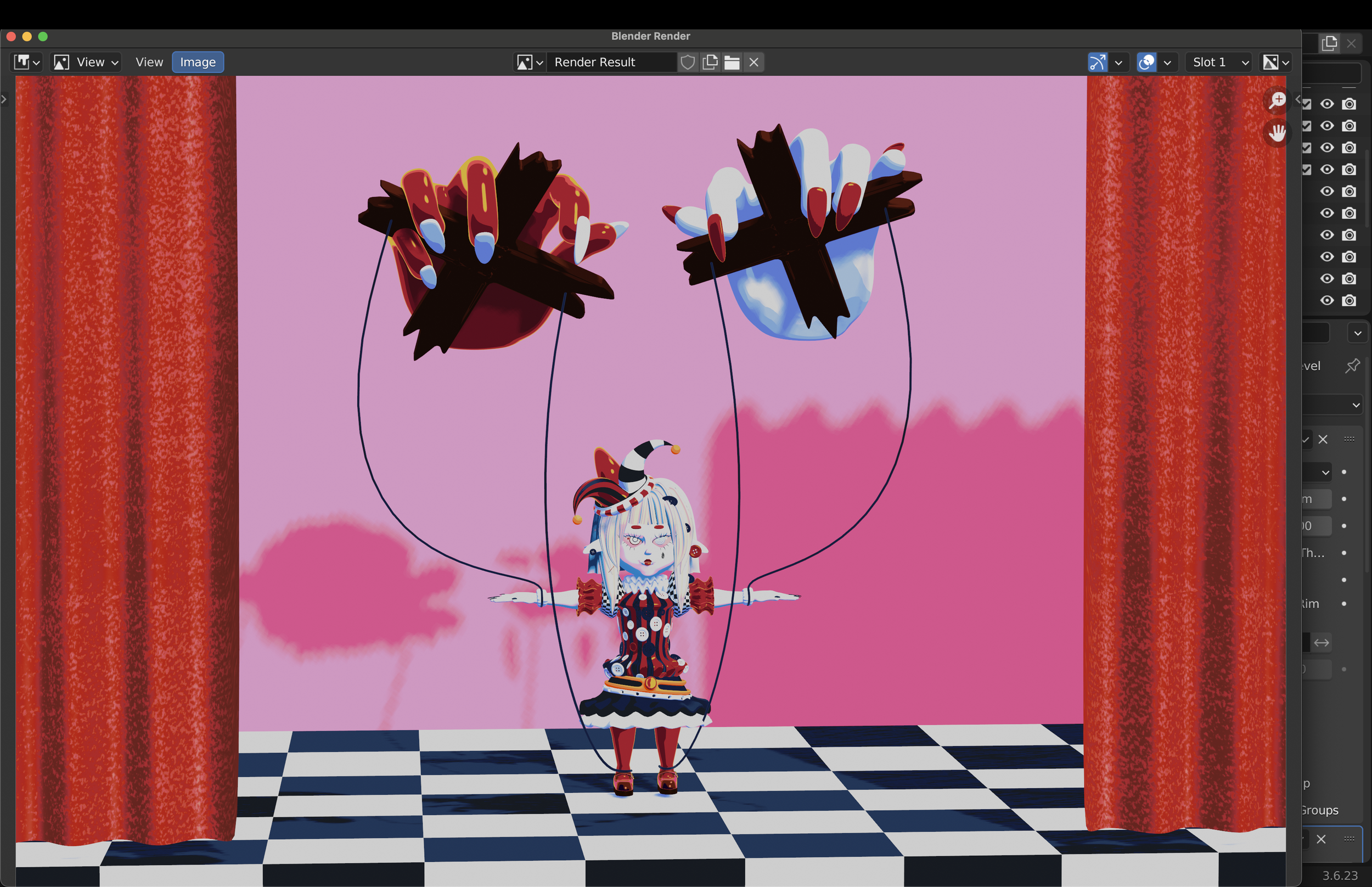
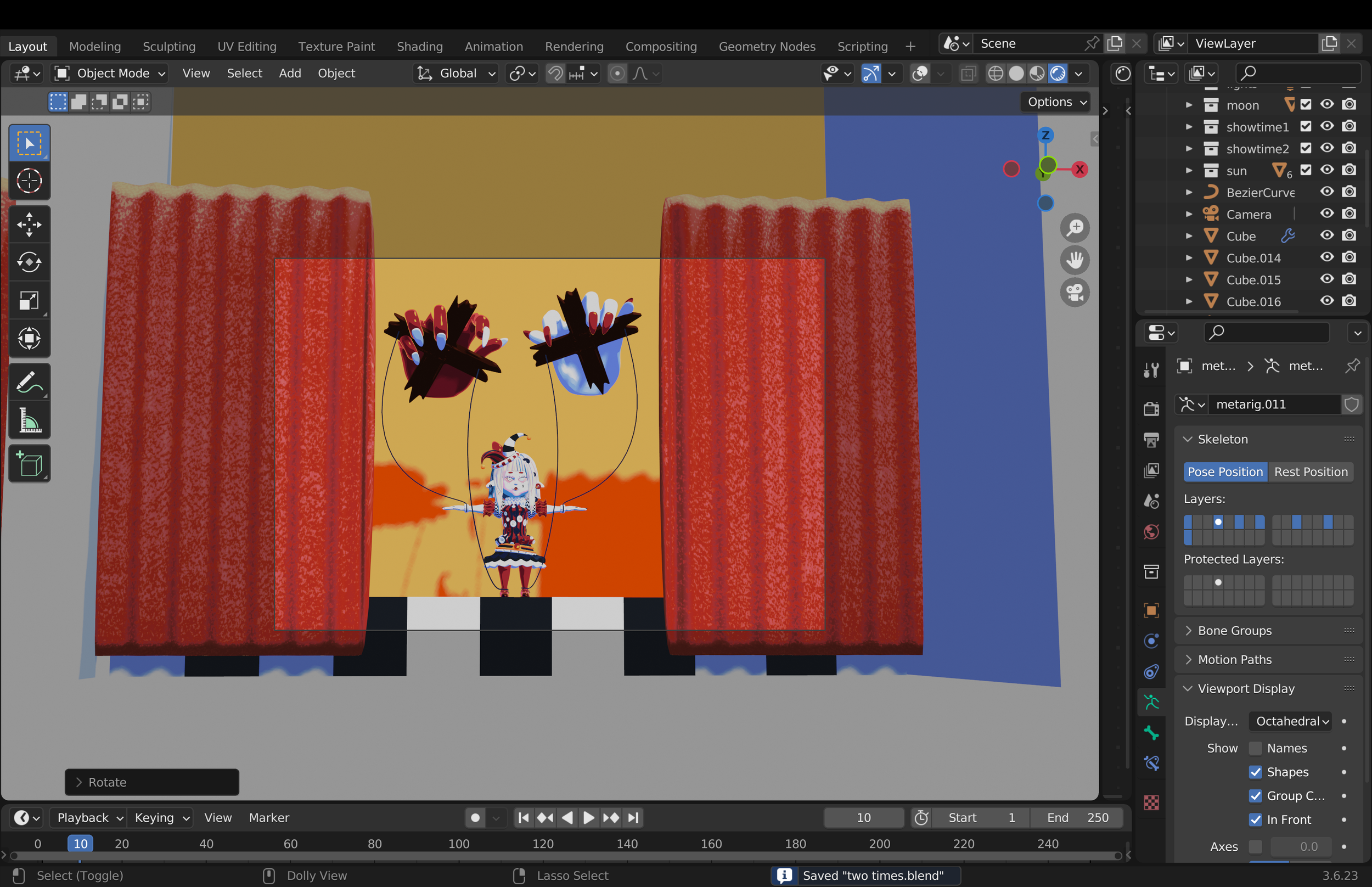
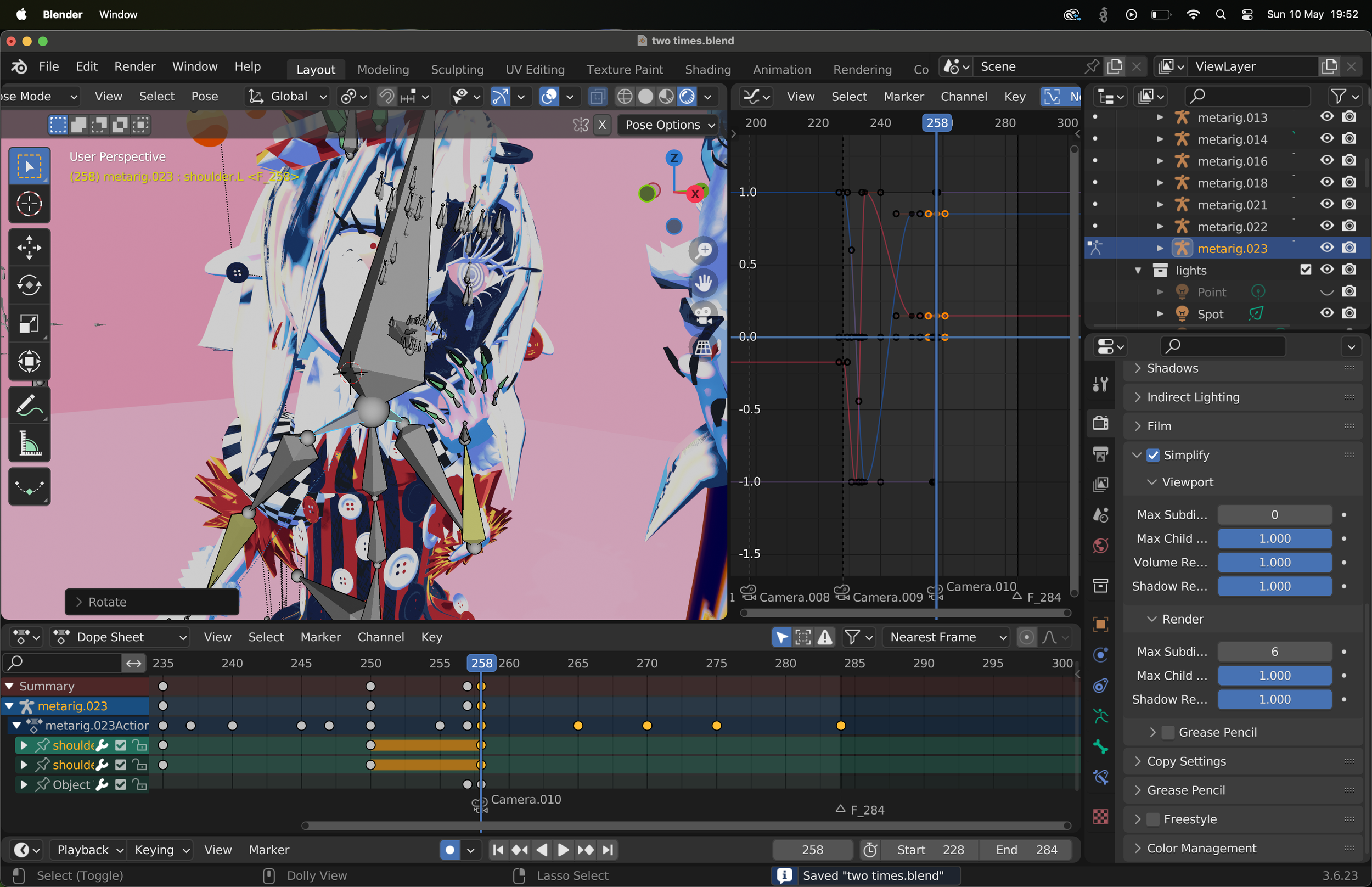
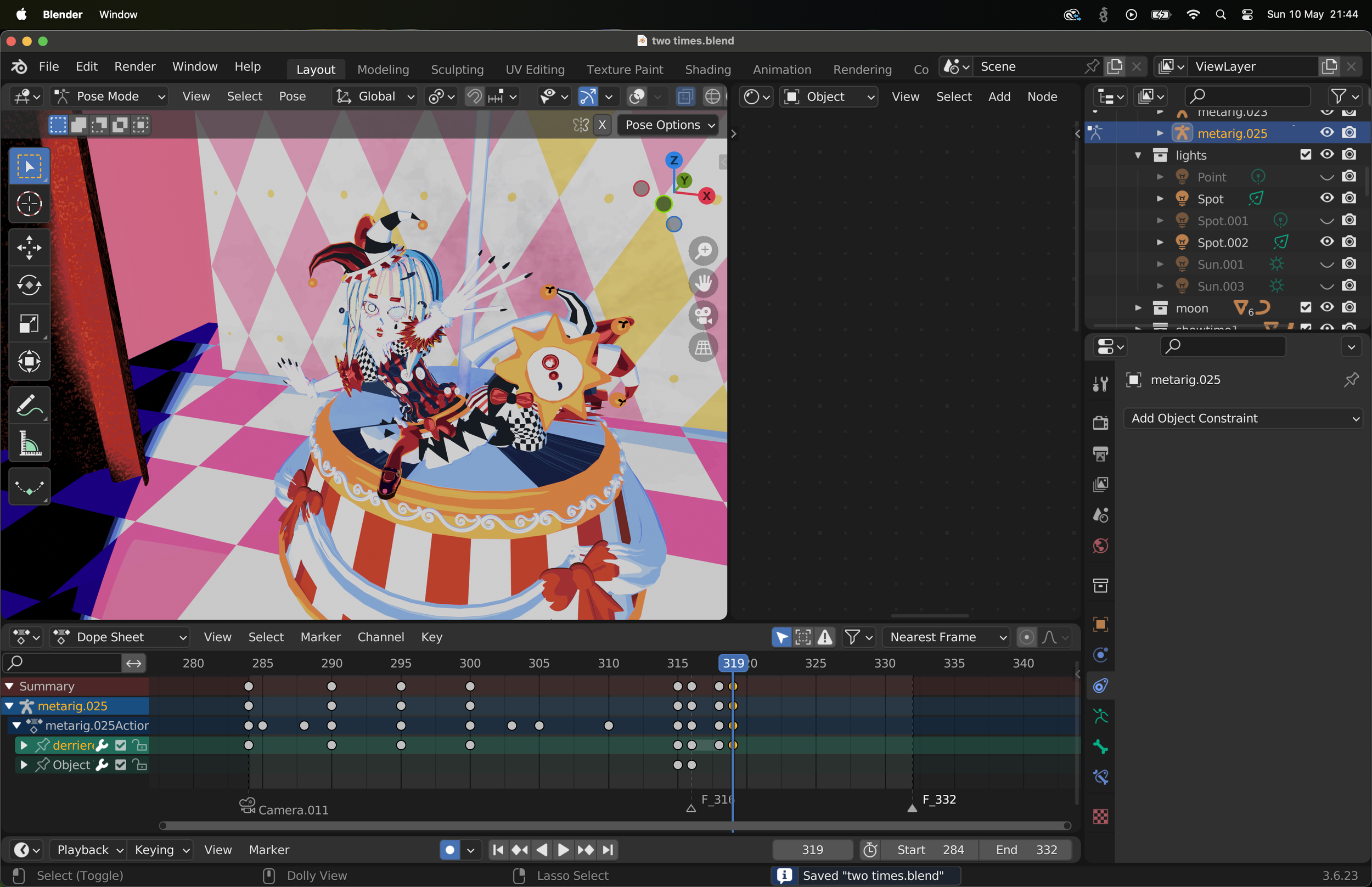
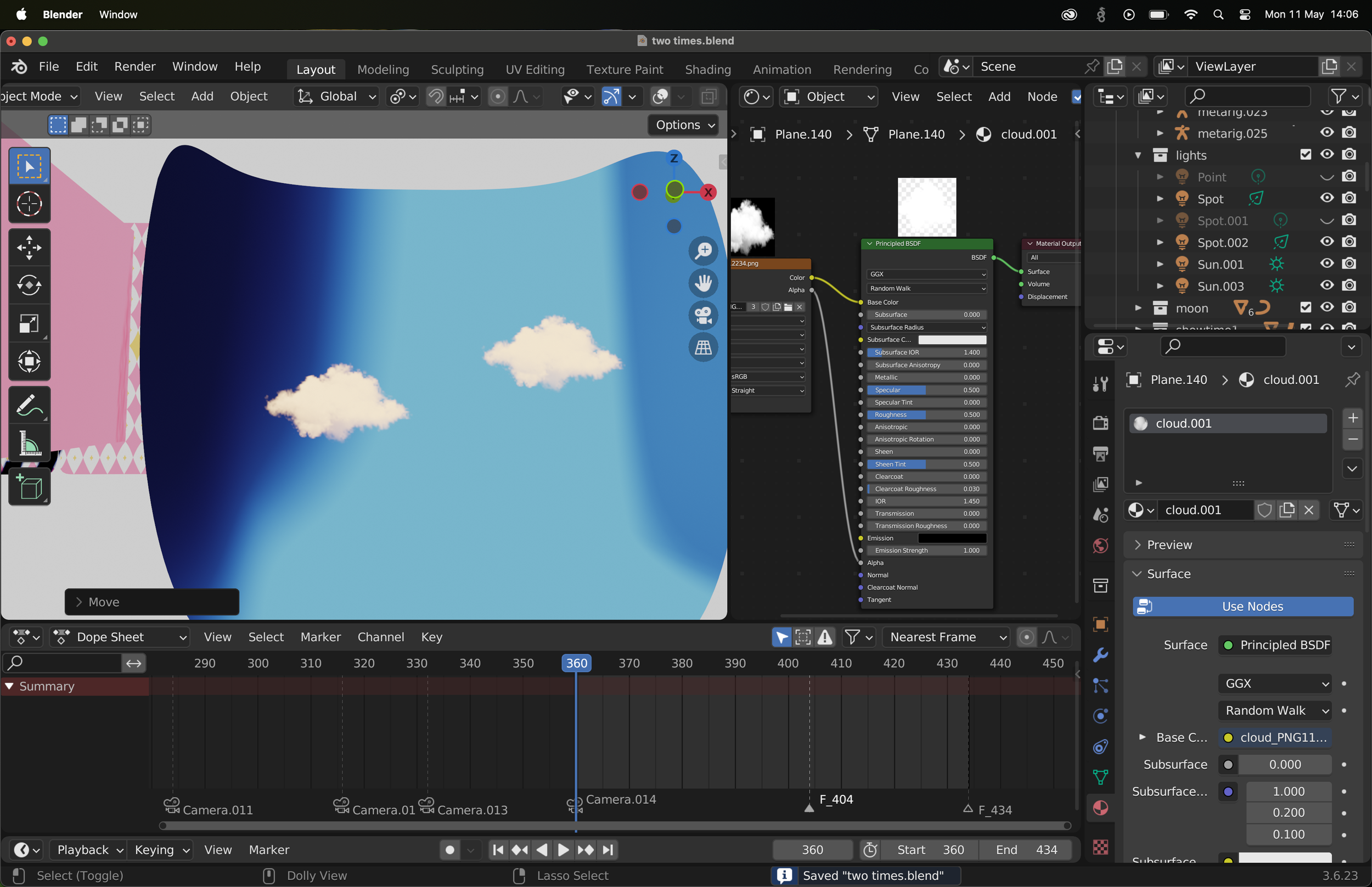
I create a dedicated environment for each clip directly in the Blender project, organizing the scene like a factory, with each section corresponding to a specific shot.
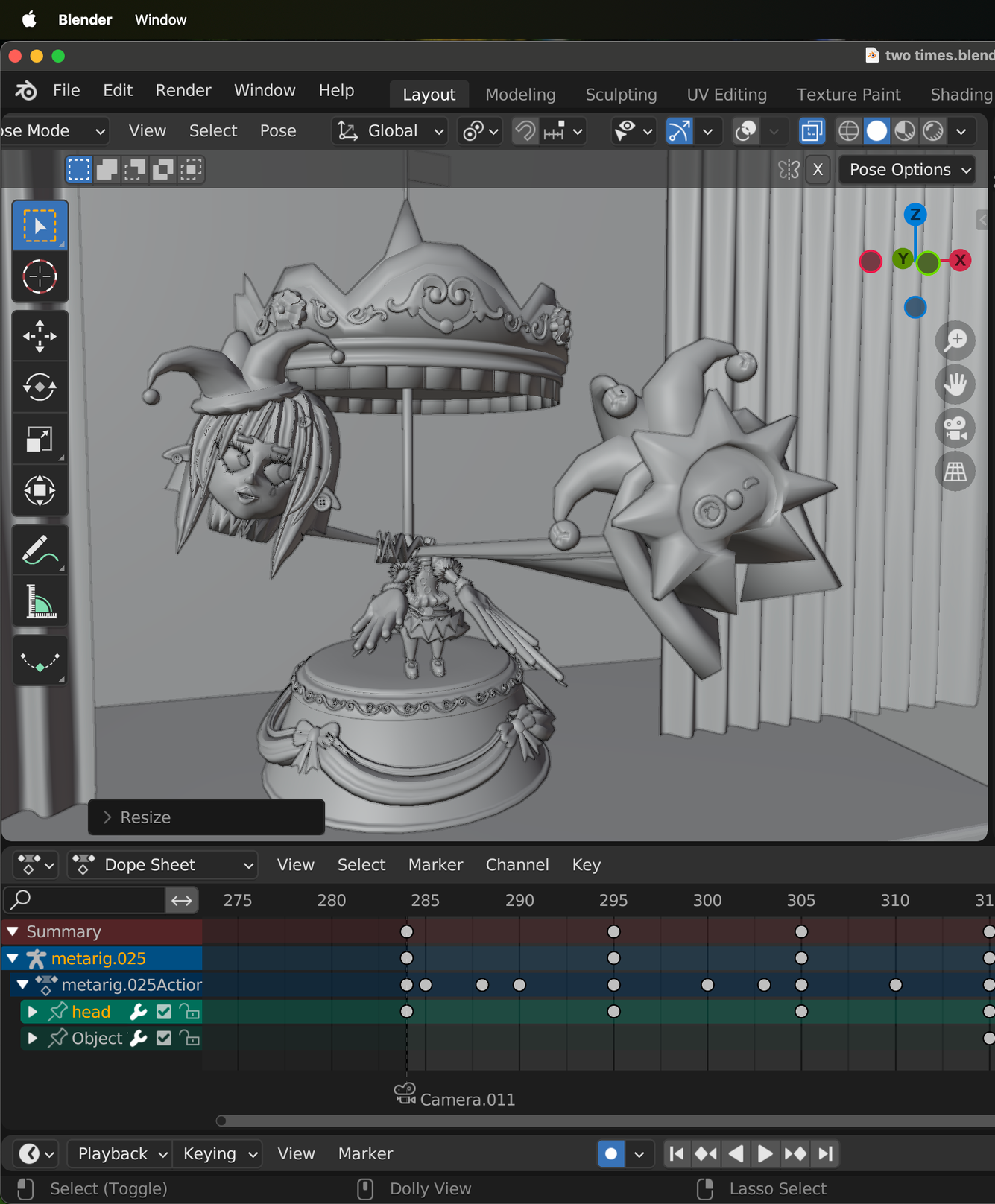
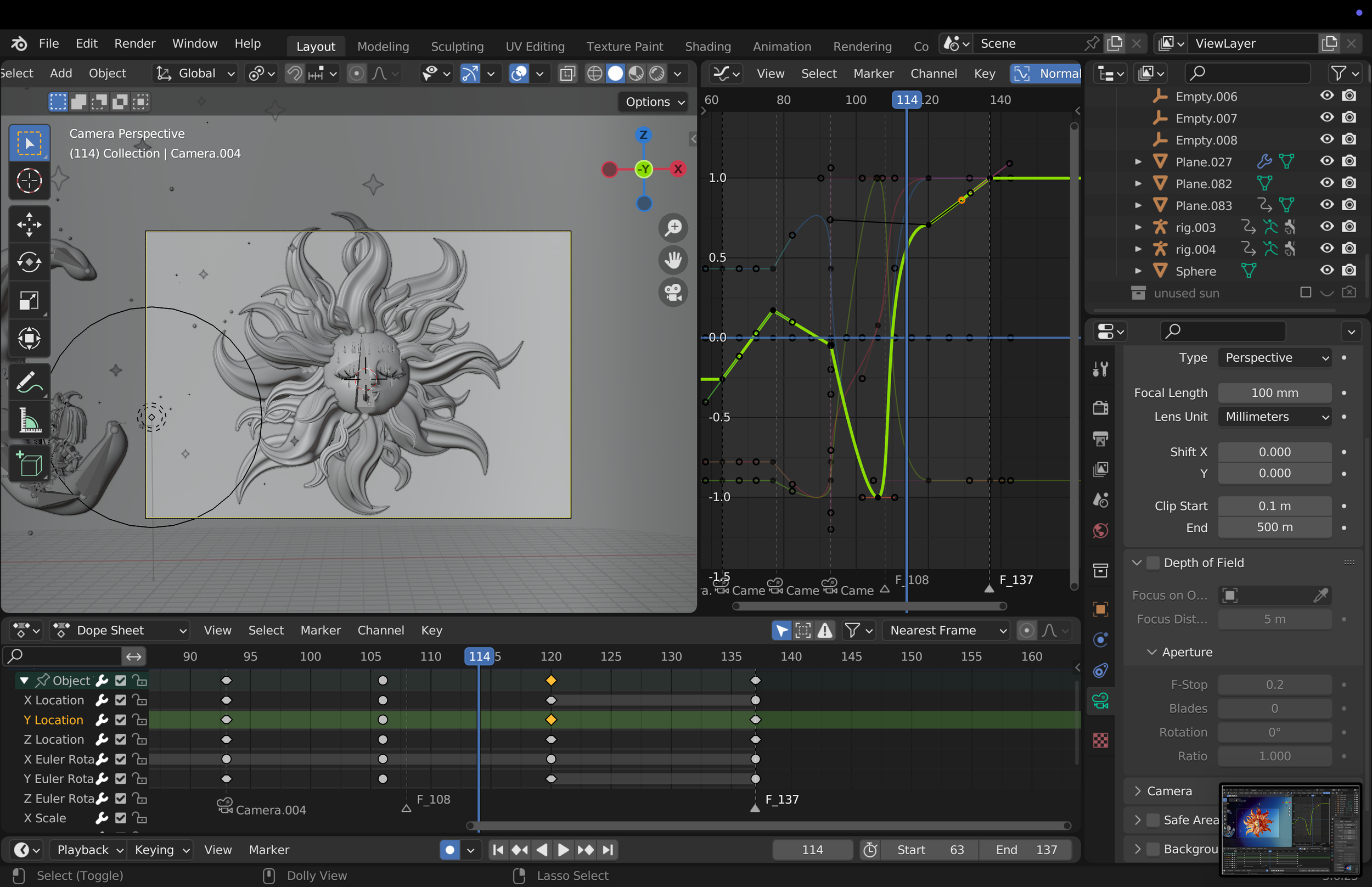
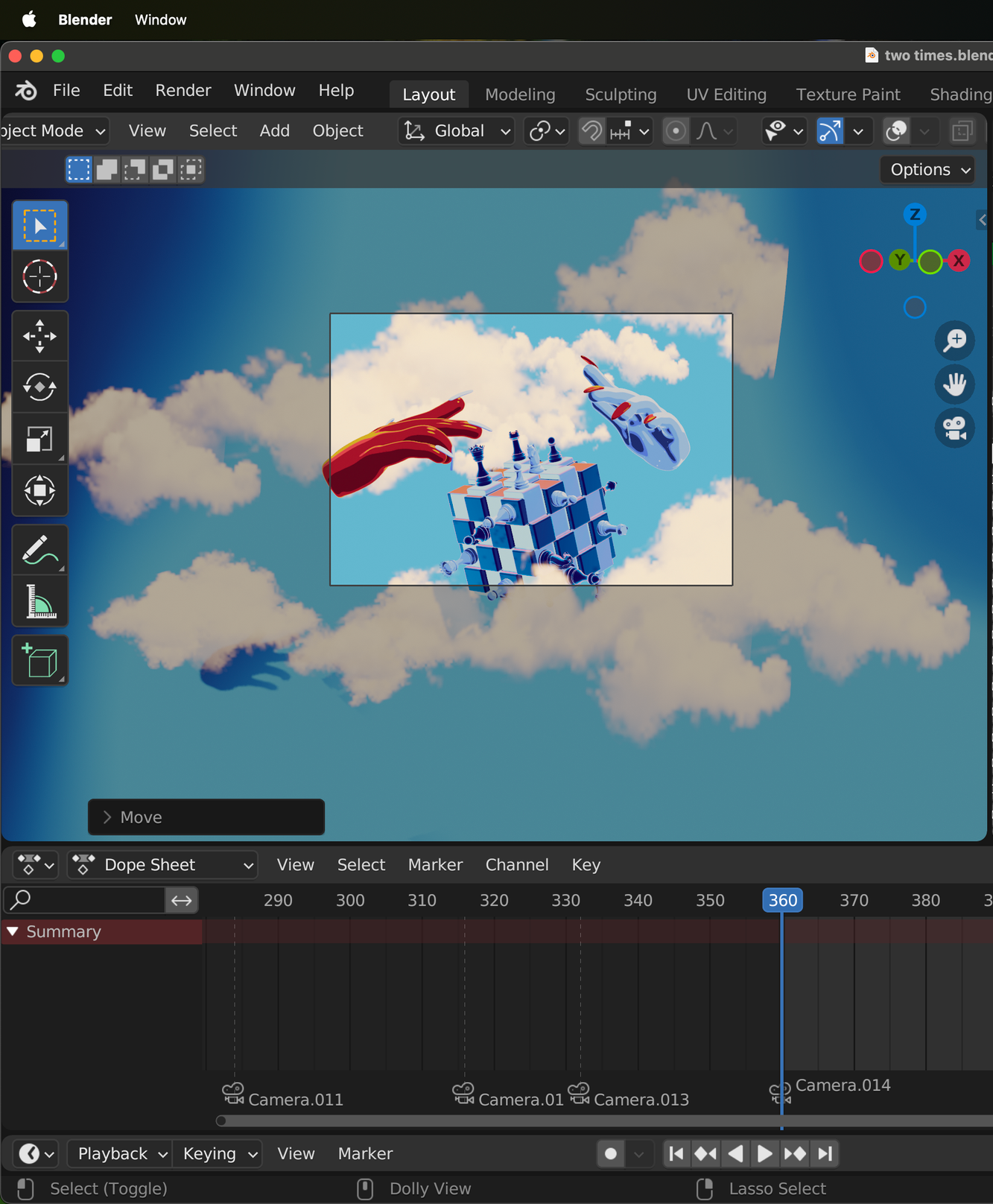
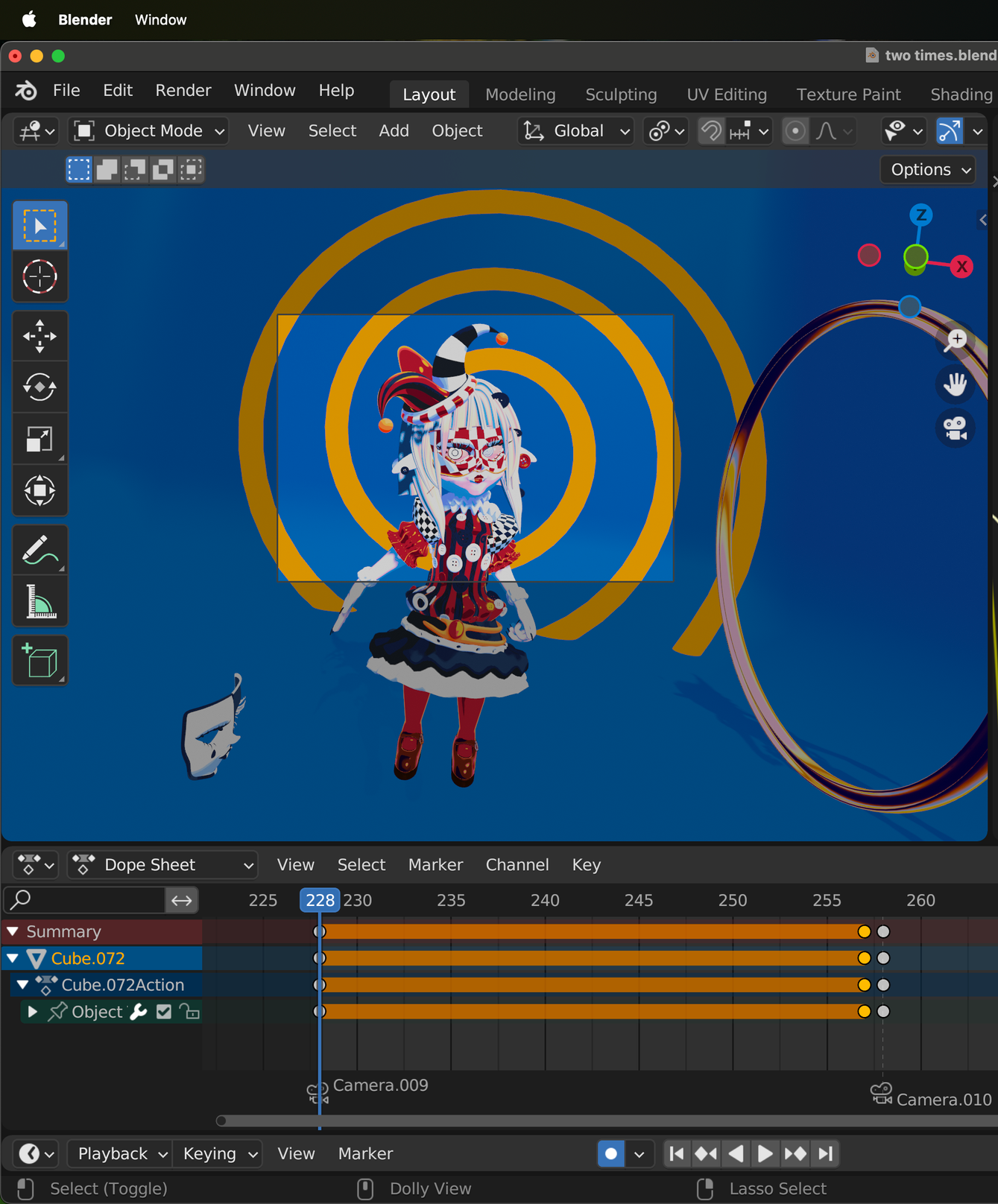
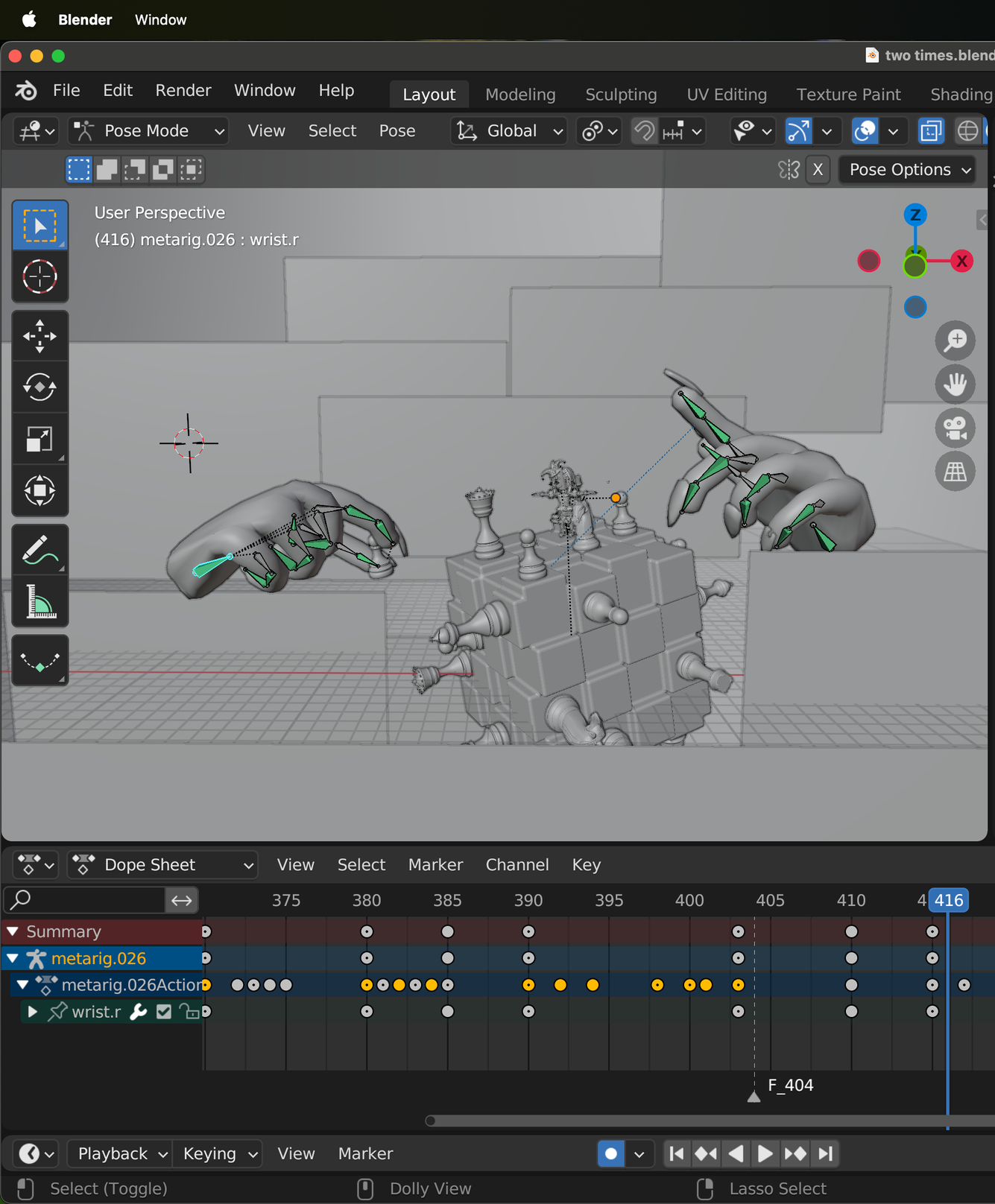
BTS & EXPERIMENTATIONS
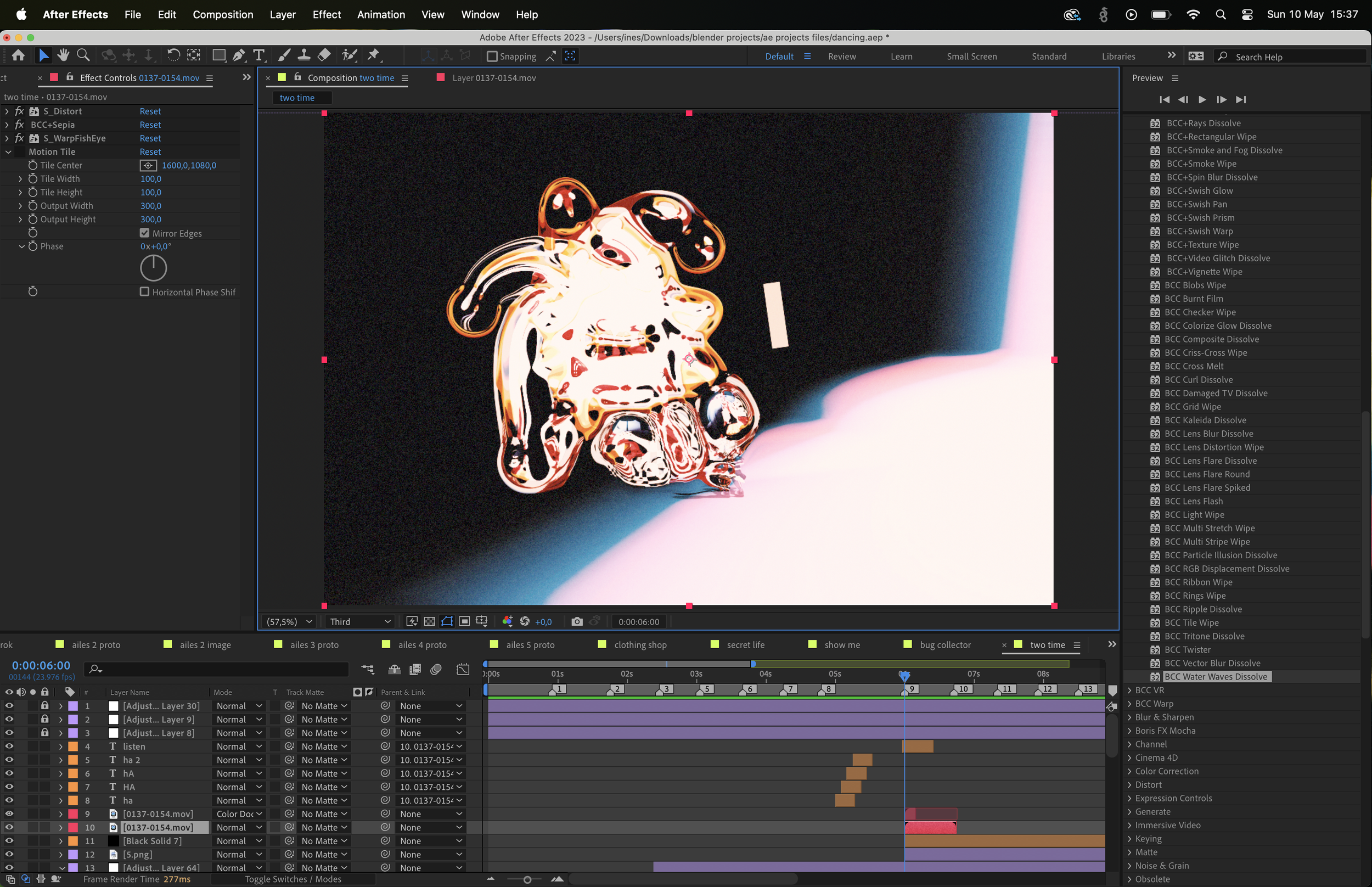
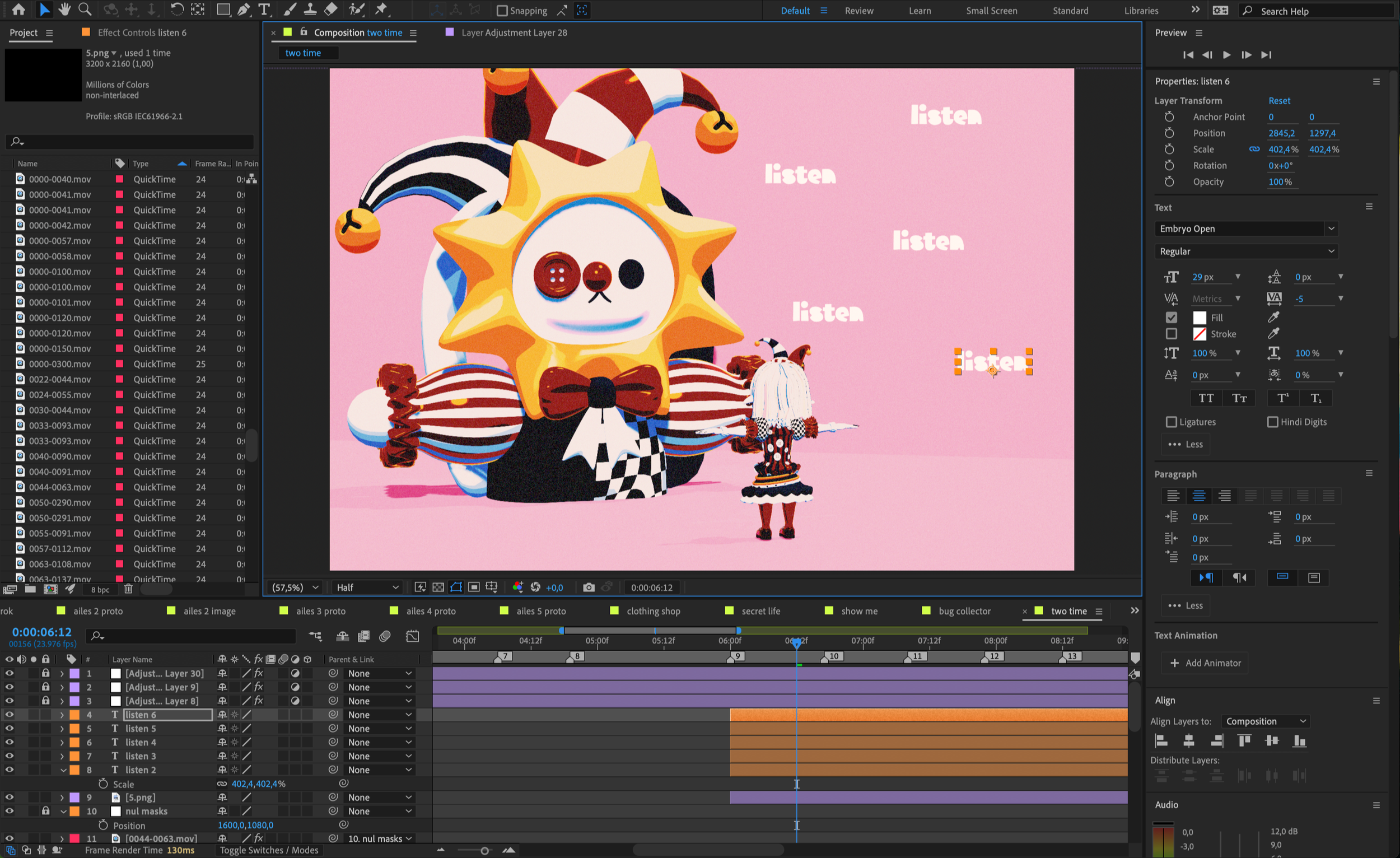
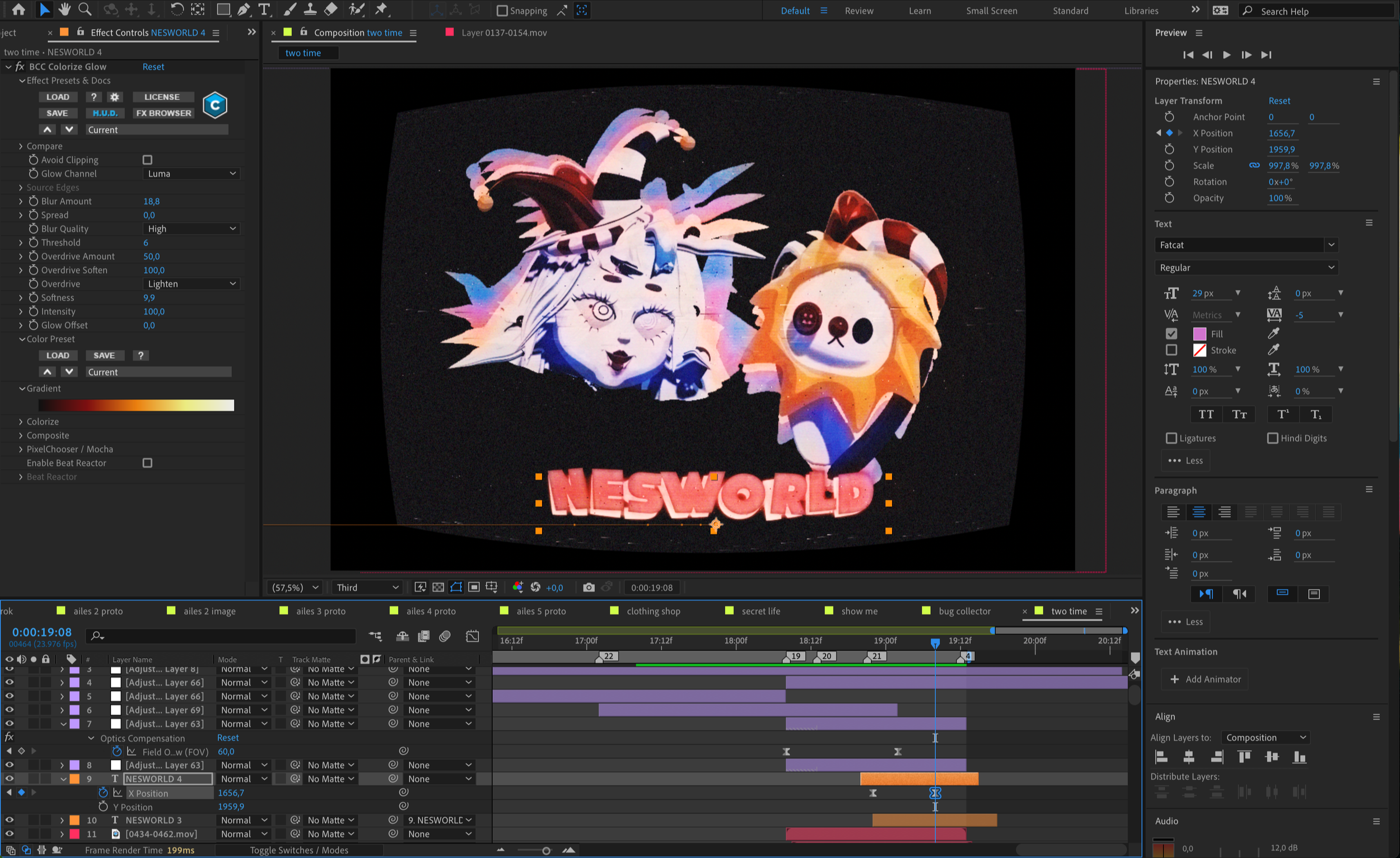
AFTER EFFECTS
& COMPOSITING
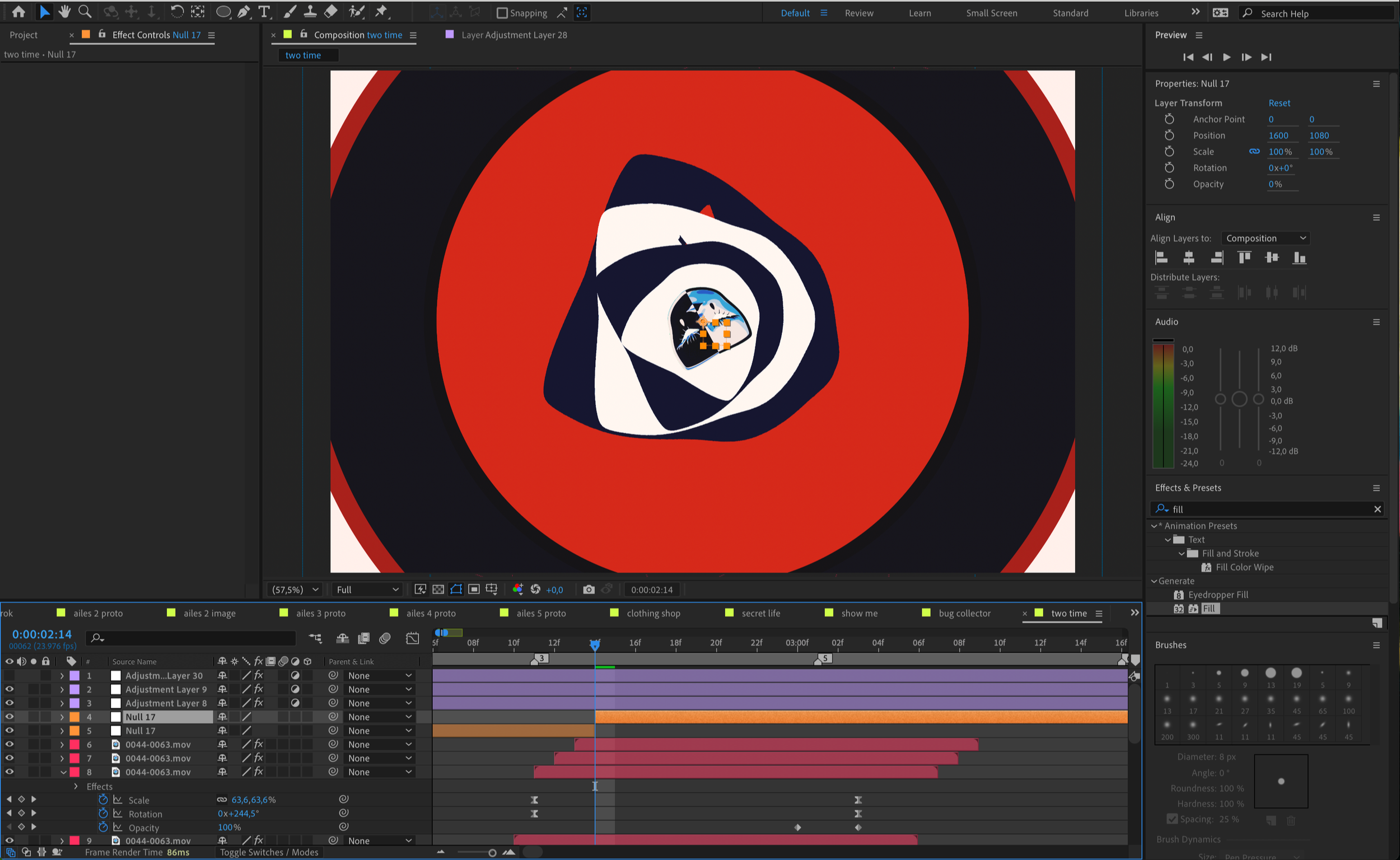
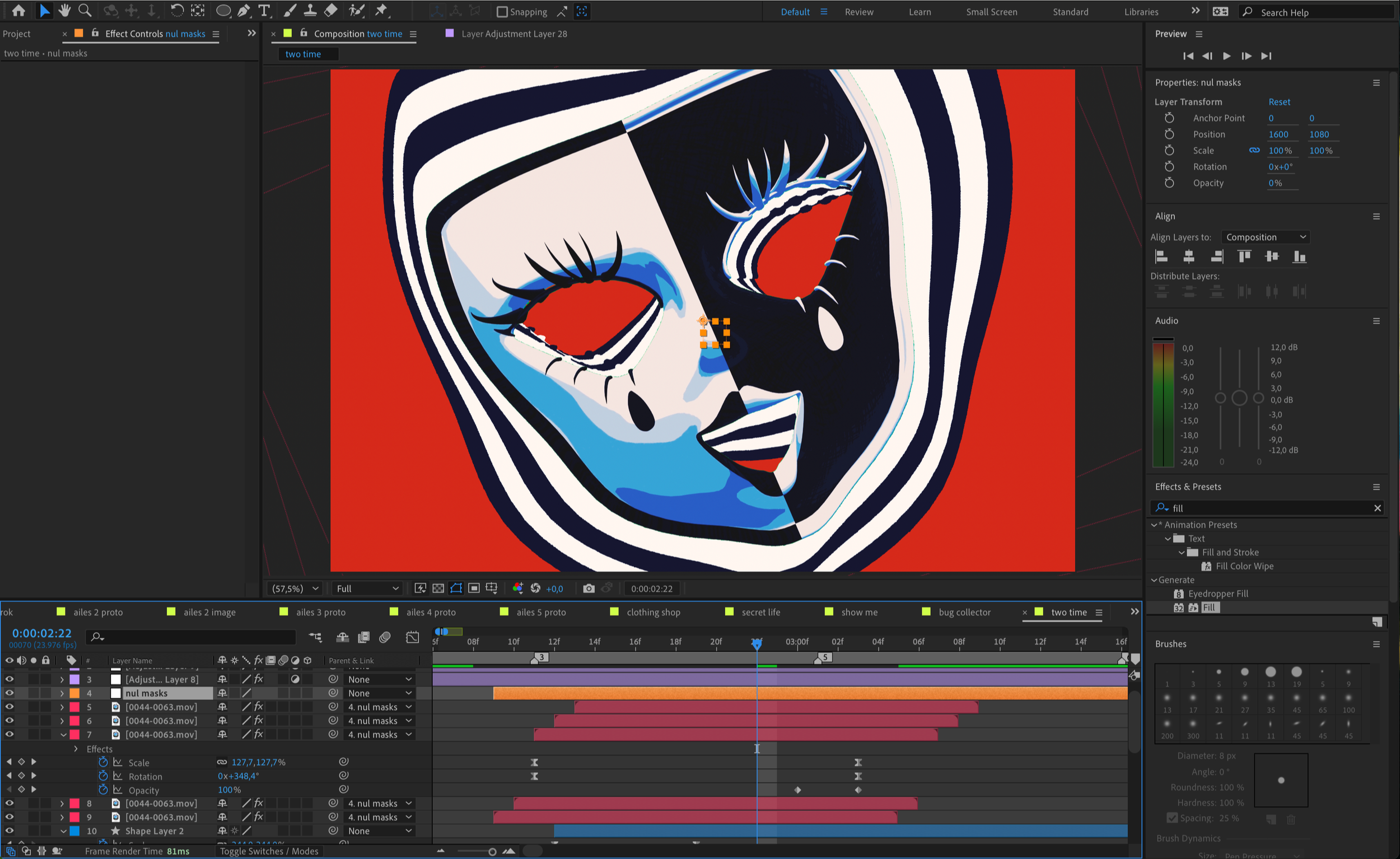
Once I had finished rendering all the clips in Blender, I imported them into After Effects and began the compositing process. I worked on color correction and grading, while adding VFX and various visual effects to enhance the atmosphere and reinforce the visual themes of the video.